AI for your business · old Windows programs to the web · custom apps and portals
Put AI to work in your business, without the hype.
We build AI into your business: assistants, portals and apps where your rules decide and the AI’s work is checked. Every example here is working code you can try.
AI working on this site now
- Corliss & Vane CPAs An accounting firm's client portal where AI explains any line of the draft return in plain words Figures come from the draft itself; an answer with a number that isn't on it is replaced.
- Calder & Wynn A law firm's client portal where AI explains where the case stands and what comes next Written only from the case file: no legal advice, no predictions, no money.
- Lumenwell Imaging An imaging center where AI writes each patient's visit plan, with a real DICOM viewer in the portal From the center's own instructions: logistics only, never medical advice.
- Kestrel Lane Software A readiness check for moving an old Windows program to the web, written up by AI for whoever decides The score and risks come from our rules; the AI explains them and gives no timeline or price.
- Ask AI Jan A chat assistant that answers visitors from this site's own pages Says “I don't know” rather than guess; the AI key stays on the server and a daily cap keeps the bill predictable.
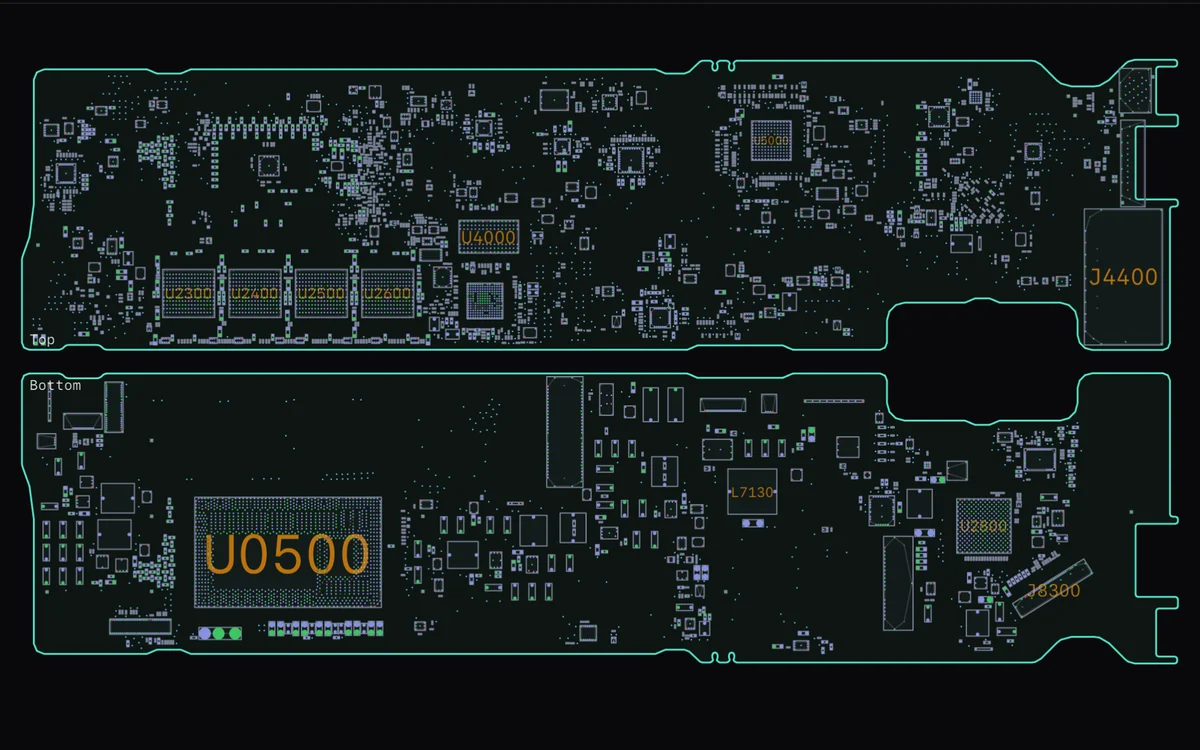
- Board Viewer A repair assistant that keeps checked answers in its own library, so it calls the AI less the more it's used Every value must trace to the board's data; visitors can report an answer wrong, and enough reports withdraw it.
- Passerby Pedestrians, bikes and cars counted on traffic cameras and any video Detection runs in the visitor's browser; their own video is never uploaded.
- Solenne Plastic Surgery Live face tracking: visitors preview a procedure on their own face Tracking and the preview run only on the visitor's device.
How we build AI in
AI you can trust with customers
Your rules decide
Prices, scores and every number come from your code. The AI writes the words, and a reply with a number we didn’t give it never reaches a customer.
Answers from your content
Assistants answer only from what you’ve written and say “I don’t know” rather than guess, with a daily cap on the bill.
Data stays where it belongs
Camera and photo work runs on the visitor’s device. Your AI key stays on your server, with a provider that fits your privacy obligations.
No lock-in
The same code runs on DeepSeek, Anthropic’s Claude or any OpenAI-compatible API, switched by a setting.
Old Windows programs to the web
Desktop programs we converted, now in a browser
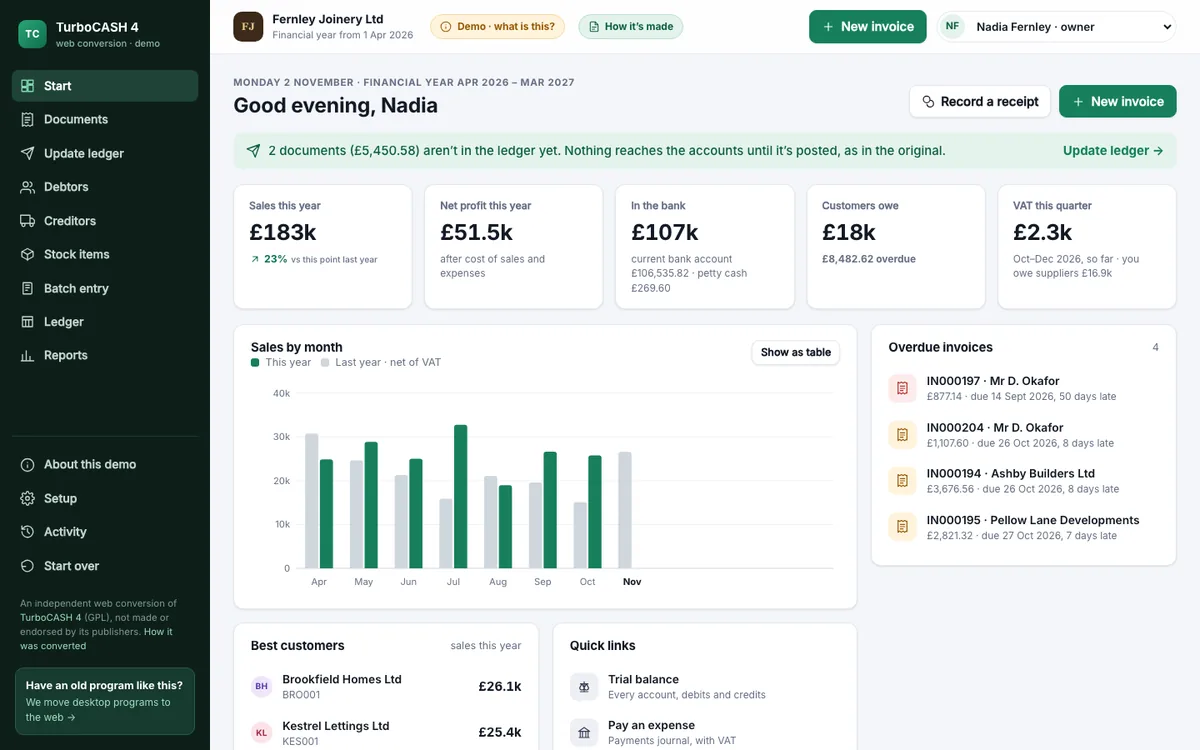
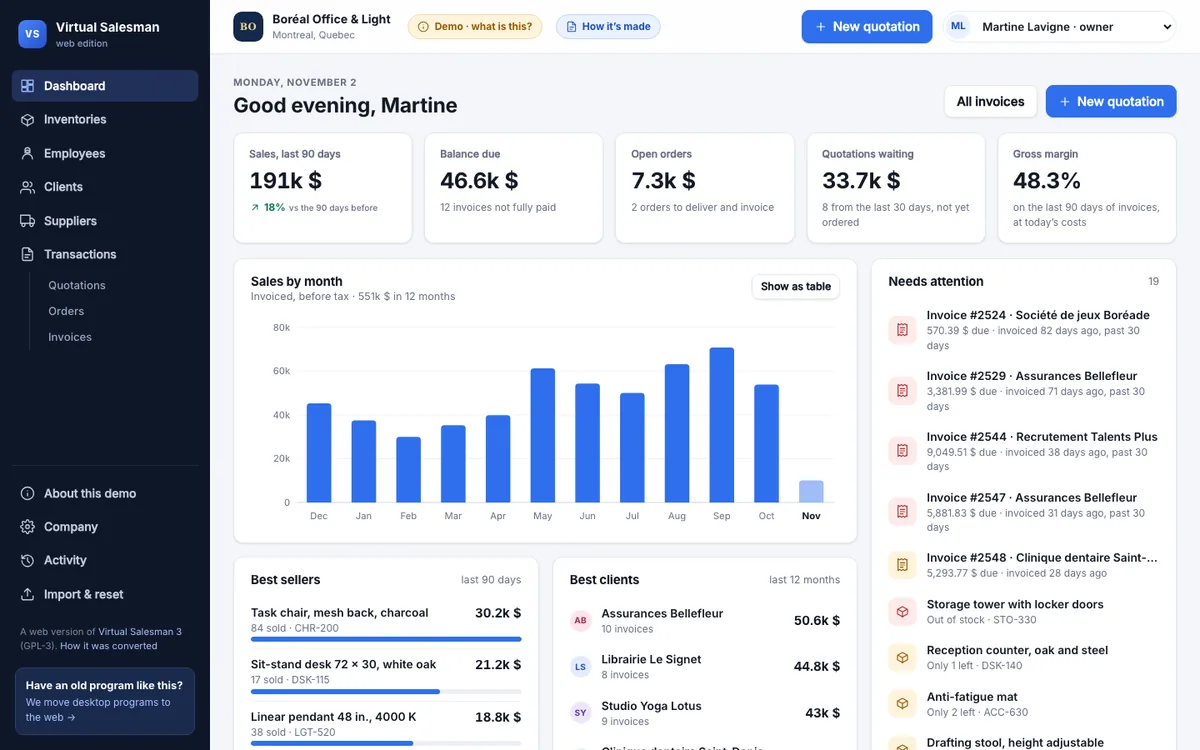
How a conversion worksTwo Delphi programs and a C++ tool, converted by us with the same rules, the same records and the same screens, running on this site; open one, no sign-up. We do the same for Delphi, Visual Basic, Access and FoxPro programs, or anything else. Want to see yours first? Start with a $500 proof of concept.
25 websites you can try right now
Pick one. The businesses are fictional unless noted, and everything works: book, order, rent, post. It's your own sandbox, so click anything.

 Send a W-2 and sign a returnCorliss & Vane CPAs

 Book a lawyerCalder & Wynn

 View your scans in the patient portalLumenwell Imaging
 Book a doctor's visitHarborview Health

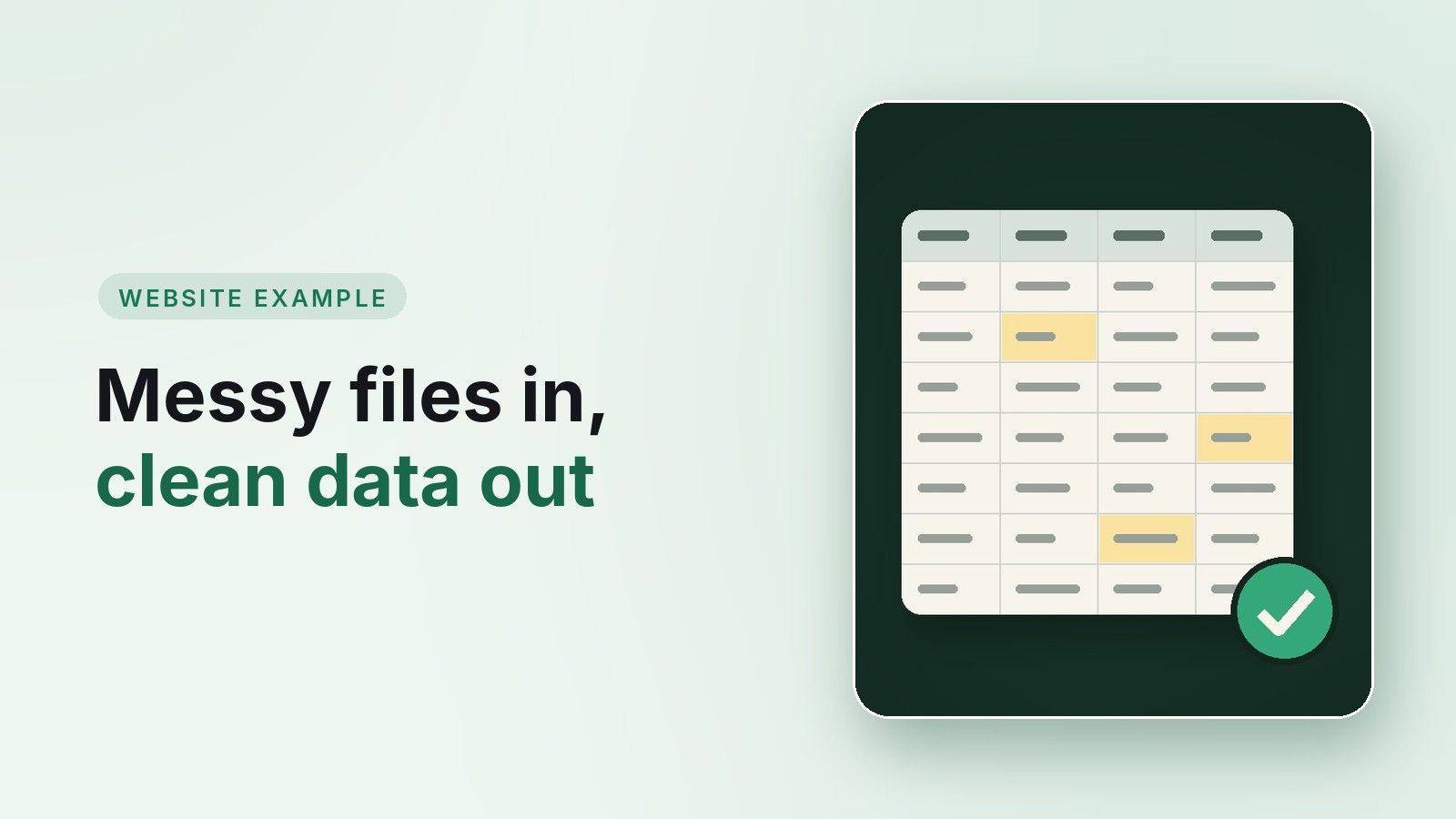 Send a messy censusTallowbrook Plan Services
 Reconcile a shopping centerCAM workbench
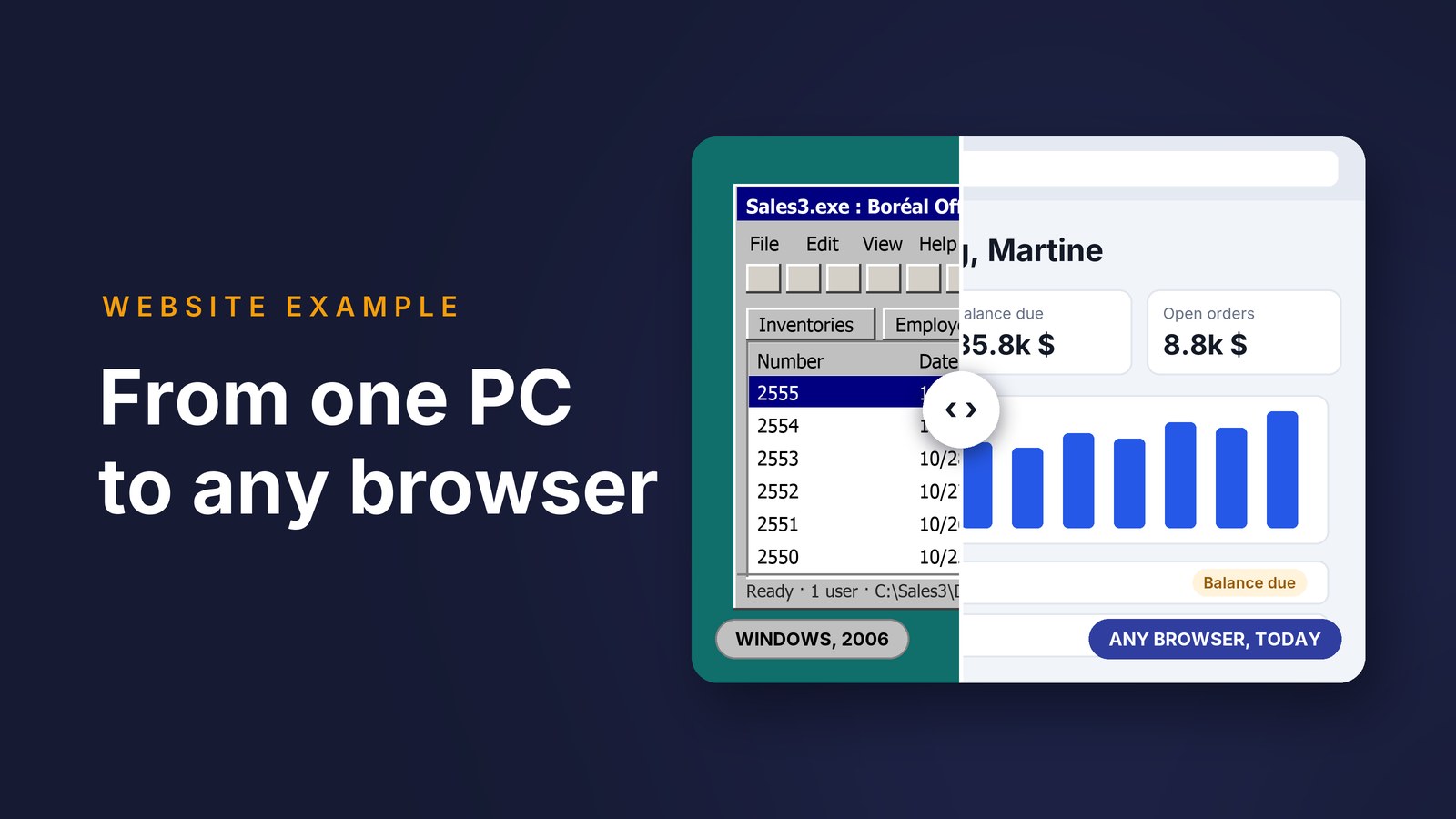
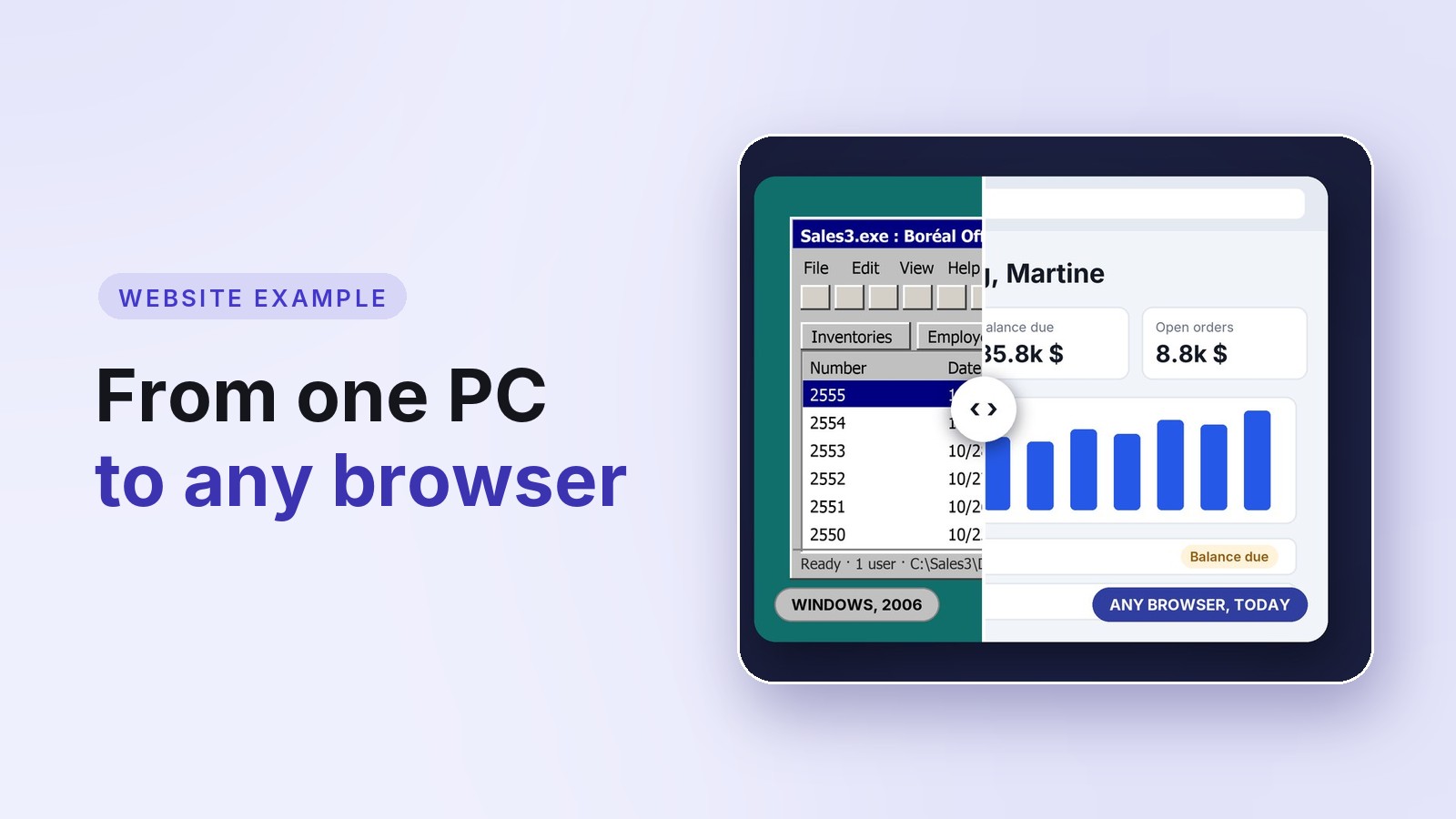 Check if your old program is readyKestrel Lane Software
 Try three AI sales toolsKeelstone IT
 Bid in a live auctionGavelry
 Get an instant estimateNorthline Build & Remodel
 See a new look live in your cameraSolenne Plastic Surgery
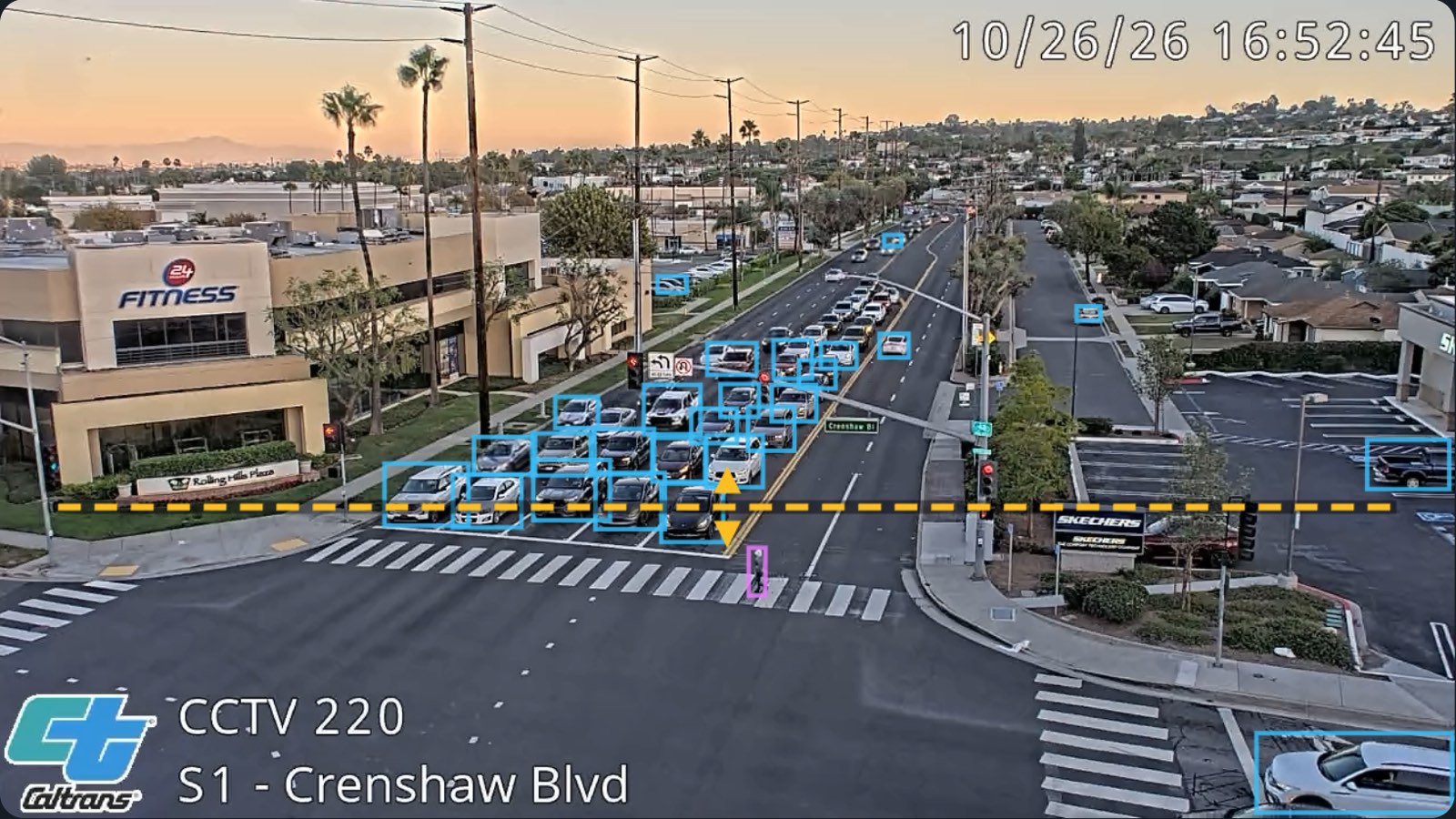 Count shoppers and cars livePasserby
 Try a look on a photoGlint
 Compare software plansLumen Analytics
 Tour luxury homesMeridian Estates
 Book a hotel roomSaltmarsh House
 Order dinnerFig & Ember
 Rent a camper vanTrailhead Outfitters
 Rent a sailboatNorthstar Boat Club
 Shop and check outHearthleaf Tea Co.
 Visit the live siteWoodArt Delft
 Find a matchKindred
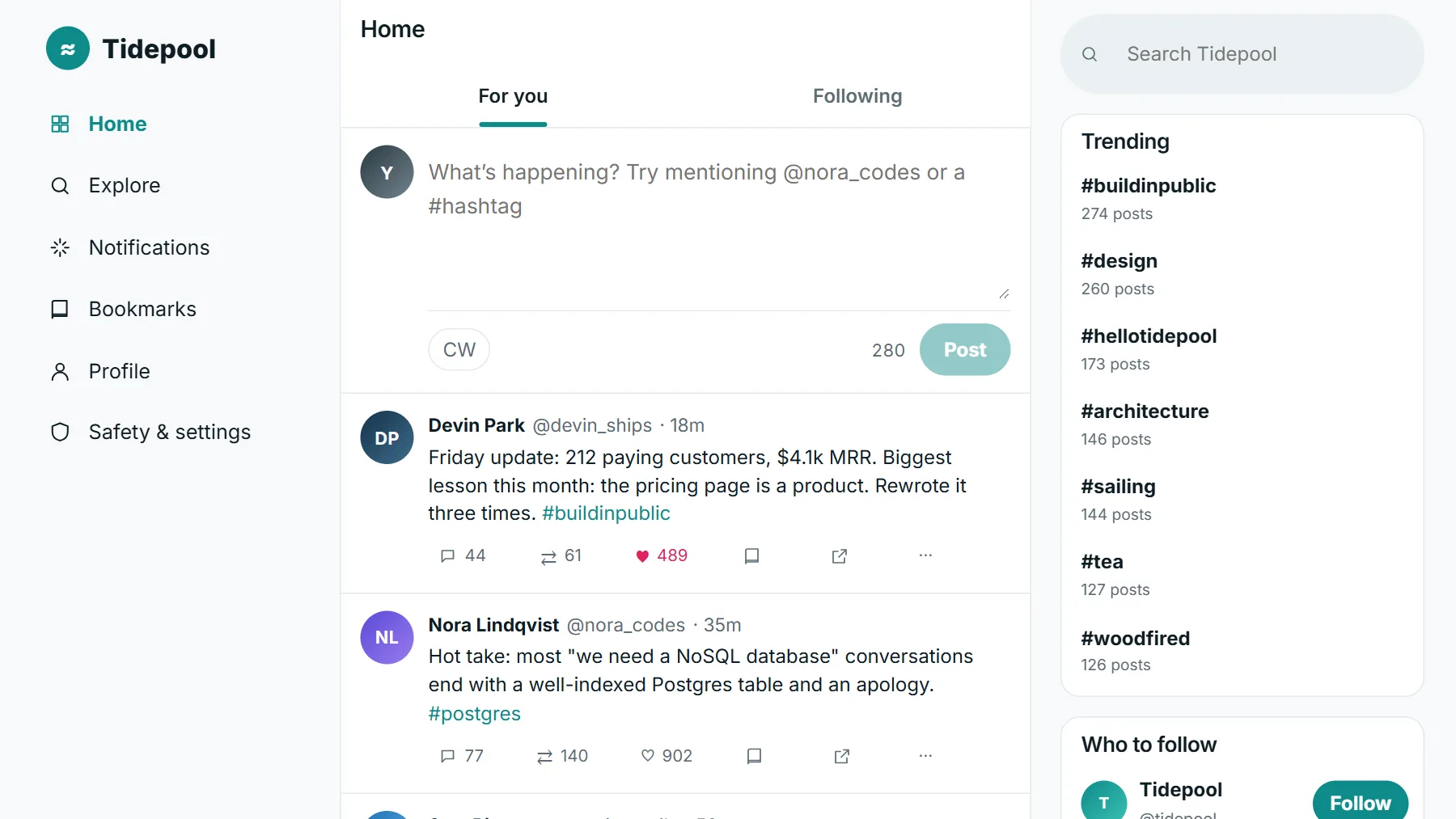 Post on a Twitter-style feedTidepool
- Invoice, ship and restock Northwind's ordersNorthwind Traders
- Check out, return and repair the tool room's equipmentTamsin Precision
Work with me
What we build for you
All servicesAI in your business
Assistants, drafting and lead tools built into the software you run, where your rules decide and the AI's work is checked.
Learn moreOld Windows programs, moved to the web
Delphi, Visual Basic, Access and FoxPro programs rebuilt for the browser, with the same rules, the same records and the screens your people know.
Learn moreCustom web applications & portals
Internal tools and client portals built around how your business actually works, not around a template.
Learn moreAPI design & integration
REST and internal APIs designed to last, and dependable connections to the outside services your business relies on.
Learn moreHigh-quality websites
Fast, secure websites on a modern stack, built new or converted from an aging site without losing your search rankings.
Learn moreFractional CTO & technical advisory
Senior architecture judgment without a full-time hire: strategy, reviews and decisions you can defend.
Learn more
- 4×
- faster than plan so far on an AI-assisted platform rewrite in progress
- $6M
- saved per year for Roche, replacing a part the chip shortage cut off
- 1,000+
- users on a six-application platform I architected
- 30
- years shipping production software

Who builds it
AI Web Center is Jan Dekkers, a fractional CTO and software architect with thirty years of shipping production software, currently leading an AI-assisted rewrite that is running about four times faster than its original plan. You work with Jan directly. Every tool claim on this site links to the vendor’s own documentation, and every content page shows when it was last checked.
Free tool
Is your website secure? Check it in 20 seconds.
HTTPS, security headers, exposed files and email spoofing, with a plain-English fix for each problem. No signup.
From the blog
Notes for buyers and builders
All posts 01
A Windows Forms App, Now in a Browser: Try One
A working example of a Windows Forms program moved to the web: the same equipment list and forms, now on any computer or phone, with sign-in, rules on the server and real Excel exports. Try it, no sign-up.
 02
DICOM Multi-frame Files and Frame Time: How Clips Play
An ultrasound loop or an angiography run is one DICOM file with many frames. Number of Frames, Frame Increment Pointer, Frame Time and Cine Rate: how a viewer finds the frames and plays them at the right speed.
 03
DICOM Study, Series and SOP Instance UIDs: How a Scan Is Organized
Every DICOM file belongs to a series, every series to a study, and three unique identifiers tie them together. What each UID means, the format rules, and when you must make new ones.
Free tools, no account needed
Small, free helpers. No account, and nothing you enter is stored.
 Reconcile CAM step by stepCAM Reconciliation Wizard
 Format an X postX Post Formatter
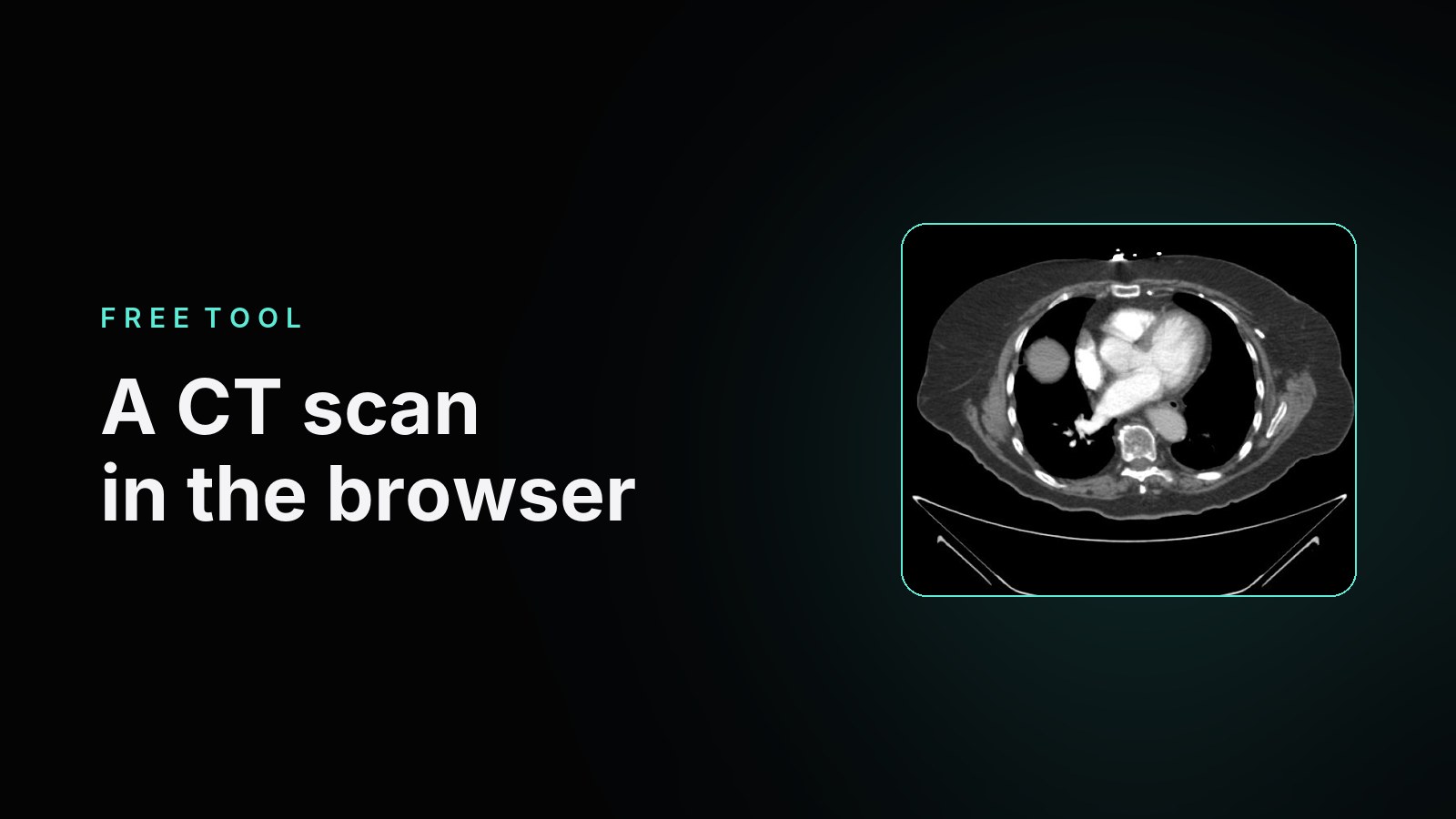 Open a CT in the browserDICOM Viewer
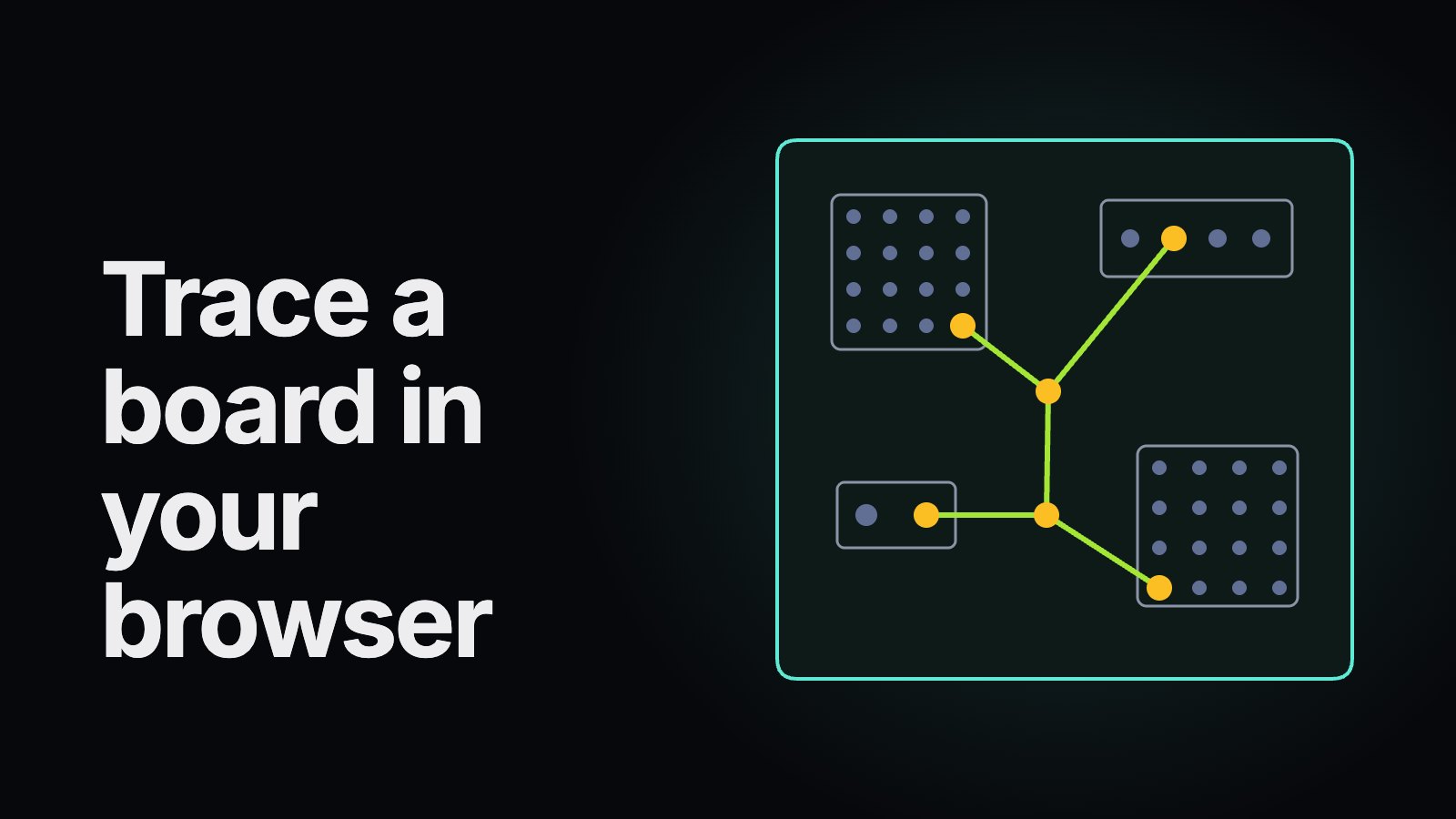 Open a board in the browserBoard Viewer
 Edit a photo in the browserImage Editor
 Open the playbookProject Playbook
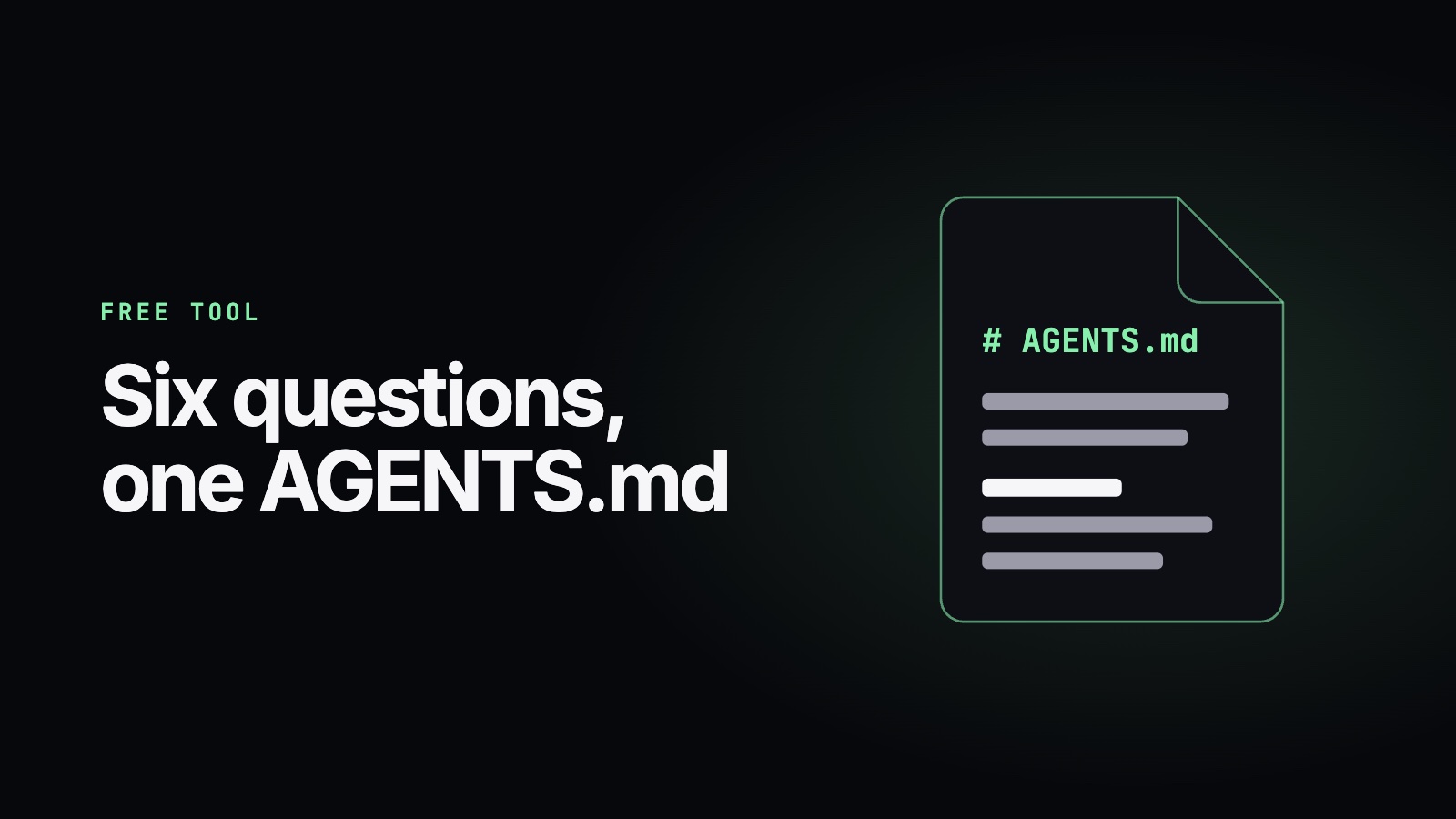 Write an AGENTS.mdAGENTS.md Generator
 Check your site's securityWebsite Security Check
For your developers
Everything your team needs to adopt AI coding tools
How-to guides
Set up an assistant, write project rules, review AI-written code and refactor safely, step by step.
OpenAI glossary
Core AI and AI-coding terms, each with a one-sentence definition first and a source.
OpenTool comparison
AI coding assistants side by side, every fact dated and linked to the vendor.
OpenStarter kit
A free PDF: rules template, 25 prompts, a team checklist and a comparison sheet.
Open
Latest guides
Start here
All guides- 01
What Is an MCP Server? A Plain-Language How-To for Beginners
MCP servers explained in very simple words, with pictures: what they are, the three things a server offers, what happens when you ask, and how to add your first one safely.
- 02
Give AI Agents the Context They Need: A Beginner's Guide with a Wizard
A plain-language guide for non-developers: what an AI agent is, why it needs context, the four kinds of context with Markdown examples, and a free wizard that writes your AGENTS.md.
- 03
How to Prompt AI for Refactoring
How to prompt an AI coding assistant to refactor code safely: lock in behavior with tests, ask for a plan, change one thing at a time, state constraints and verify each step.
- 04
How to Review AI-Written Code
A practical checklist for reviewing code written by AI assistants: check intent, tests, invented APIs and packages, security, error handling and diff size before you merge.
- 05
How to Set Up an AI Coding Assistant
Set up an AI coding assistant in six steps: pick a tool that fits your workflow, install it, sign in, set permissions and privacy, add a rules file and start with a small task.
- 06
How to Write Project Rules for AI Coding Assistants
How to write an AGENTS.md or CLAUDE.md project rules file: which file each AI coding assistant reads, what to put in it, what to leave out, and a template.
Free download
Get the AI Coding Starter Kit
A PDF you can use with any AI coding assistant: a project-rules template, 25 tested prompt patterns, a team adoption checklist and an assistant comparison sheet. The editable Markdown sources are included.
- Works with Copilot, Claude Code, Codex, Cursor and more
- Double opt-in, one-click unsubscribe
- No third-party trackers, never shared