Access to web app
Your Access database, as a web app
Your Access forms, queries and reports, as a web app many people use at once.
 Today Your database, one Access file on a shared drive.AI reads it Every form, query and macro in your Access database, and every line it writes is checked.Now The same orders, in any browser. The totals, matched to the cent.
Free 30-minute call (949) 478-5982
Not ready to call? Check your program in 2 minutes · try a converted one
Email this page to my work addressSound familiar?
- It slows down with several users
- One file on one shared drive
- Compact and repair, again
- The person who built it left
- No way in from home
Why a web app
- No installing on every PC
- No missing DLLs, no settings that differ per PC
- Windows, Mac, Linux, Chromebook, iPad or phone
- Everyone at once, the data backed up
 You work directly with Jan Dekkers, who has thirty years of shipping production software, and led the software fix that kept Roche’s cancer-diagnostics supplies shipping through the global chip shortage, saving $6M a year.
- The screens your people know
- Your data, moved and checked
- Your rules, written down first
- Done faster than you’d expect, with AI
Microsoft Access · forms · VBA · queries · reportsTo React, C# and PostgreSQL
“This will cost $100,000.”
Two years ago, it often did, and big modernization firms still start there. Most of that money paid people to read old code and retype every screen. AI now does that part, so a conversion here often costs half or less, and you get industrial-grade quality: every rule written down and tested, every total checked against the old program.
“Engineer effectiveness. On the same deliverable, against the same work without AI.”
What would moving your program take?
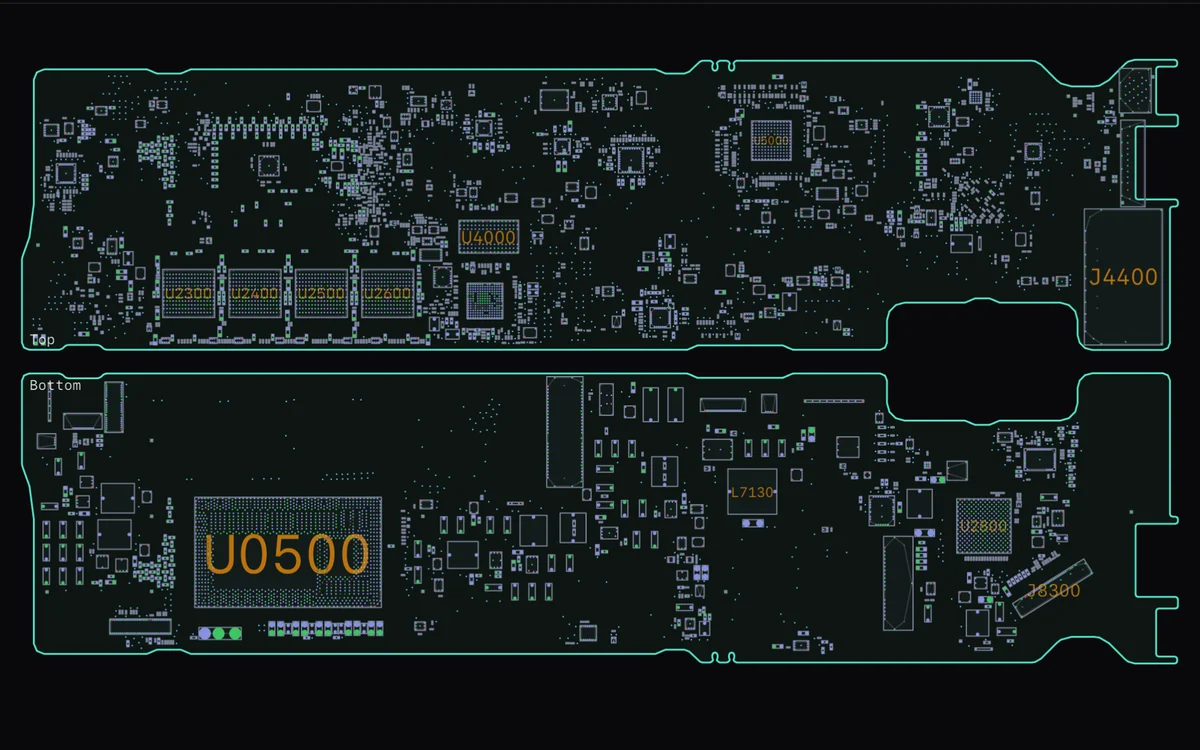
Four old programs, already in the browser
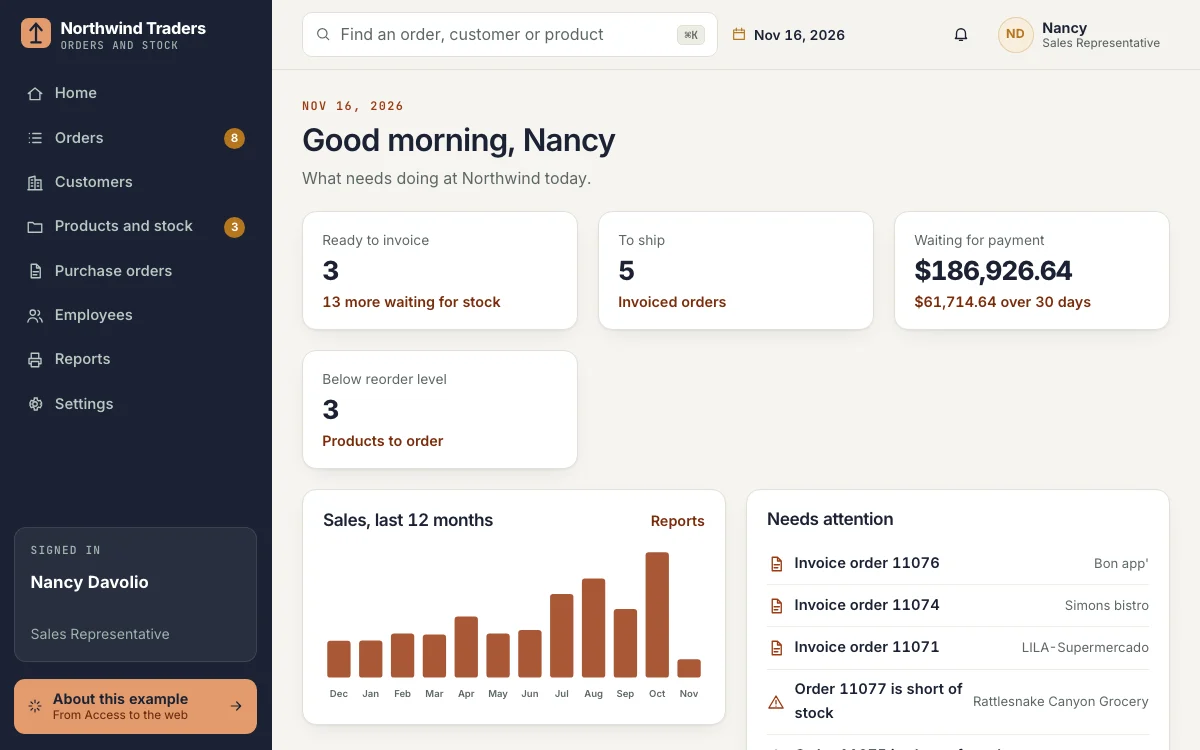
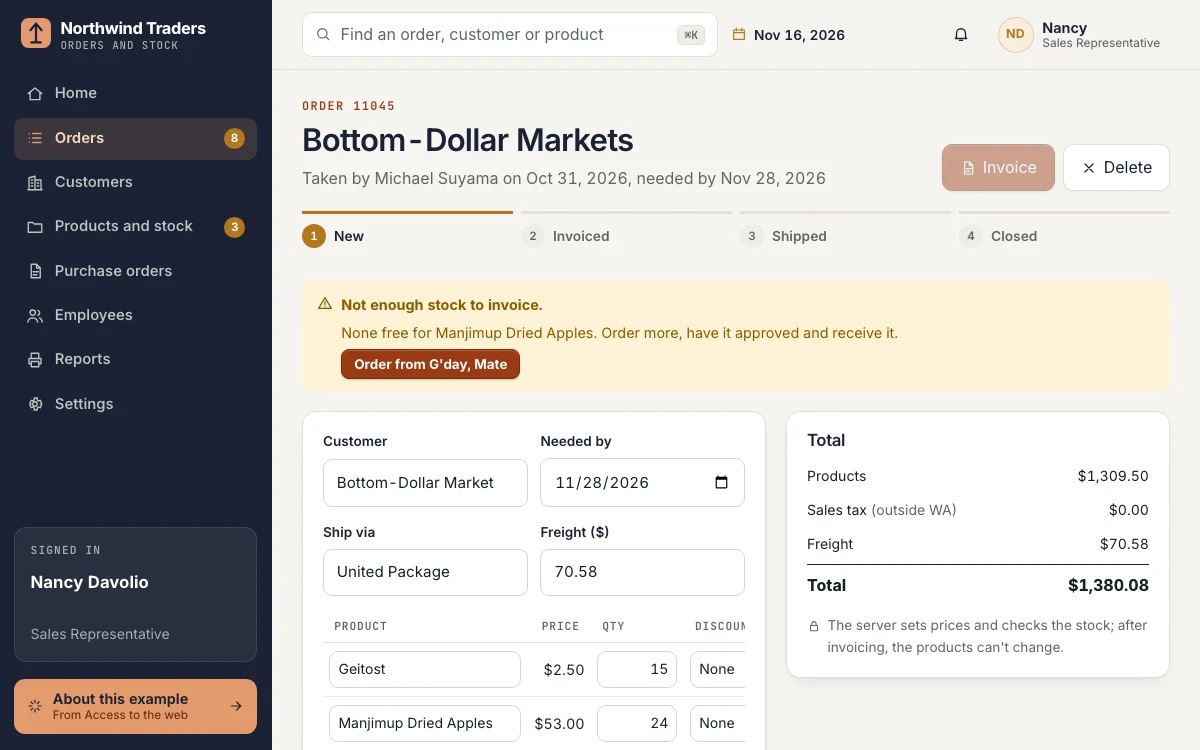
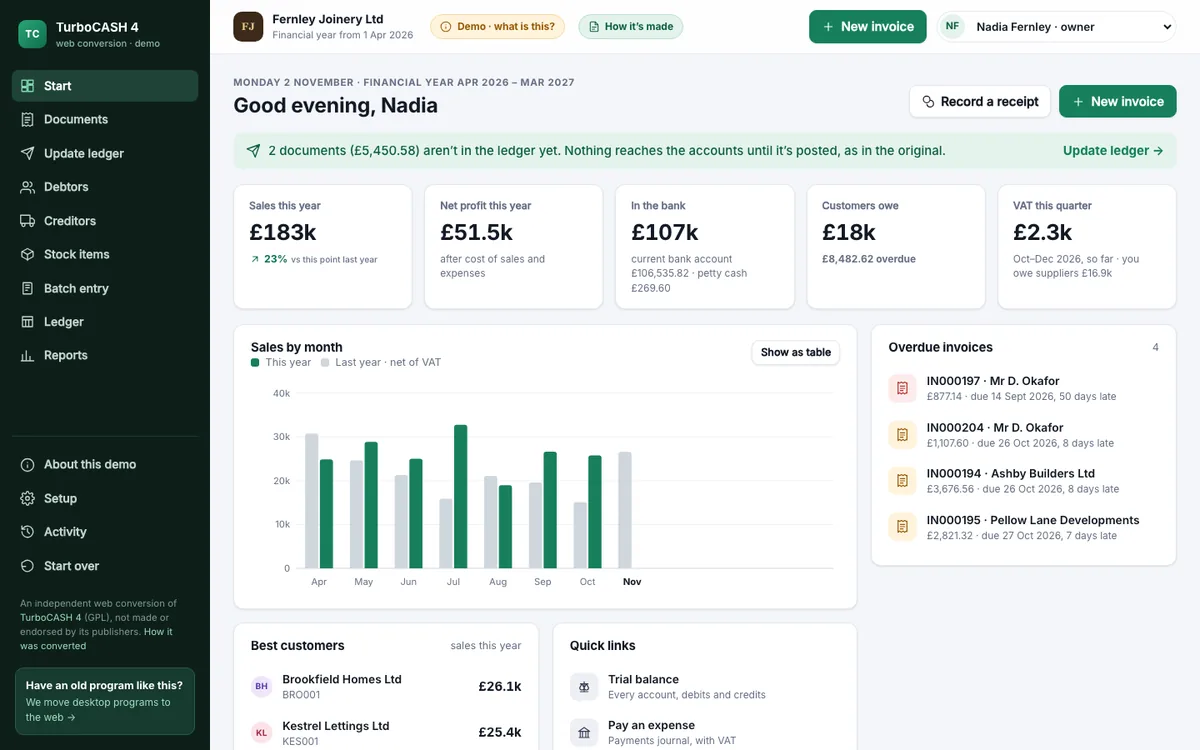
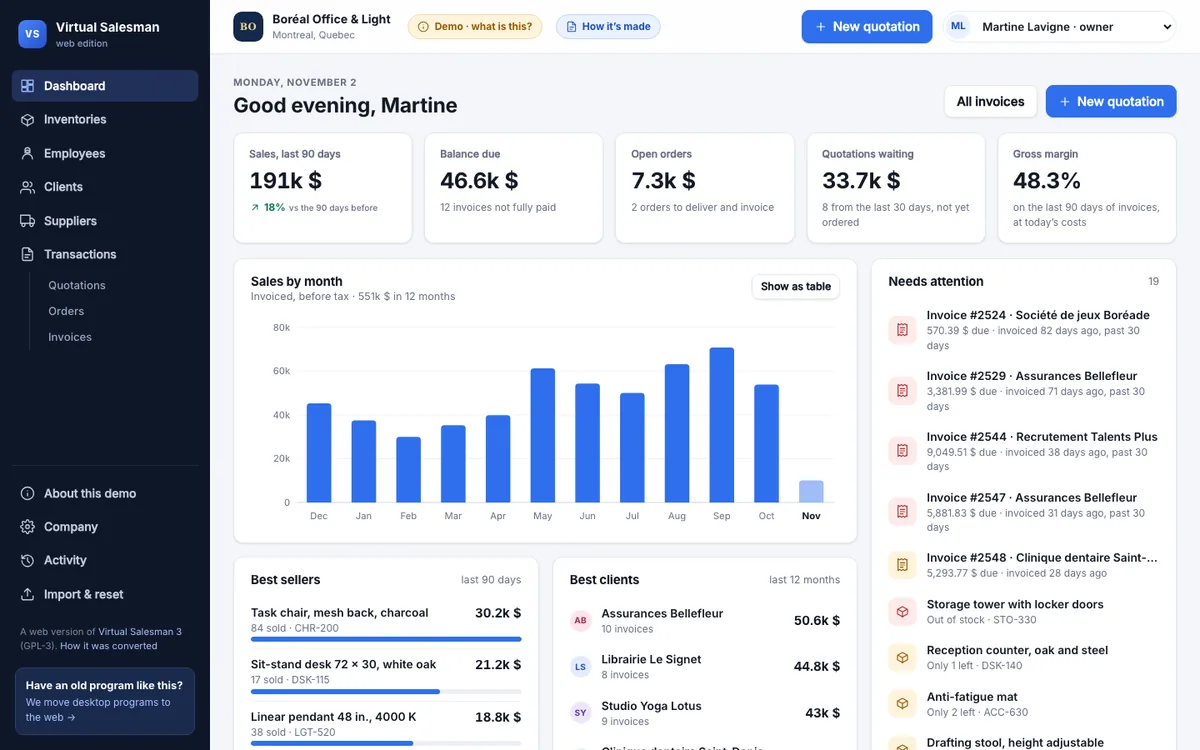
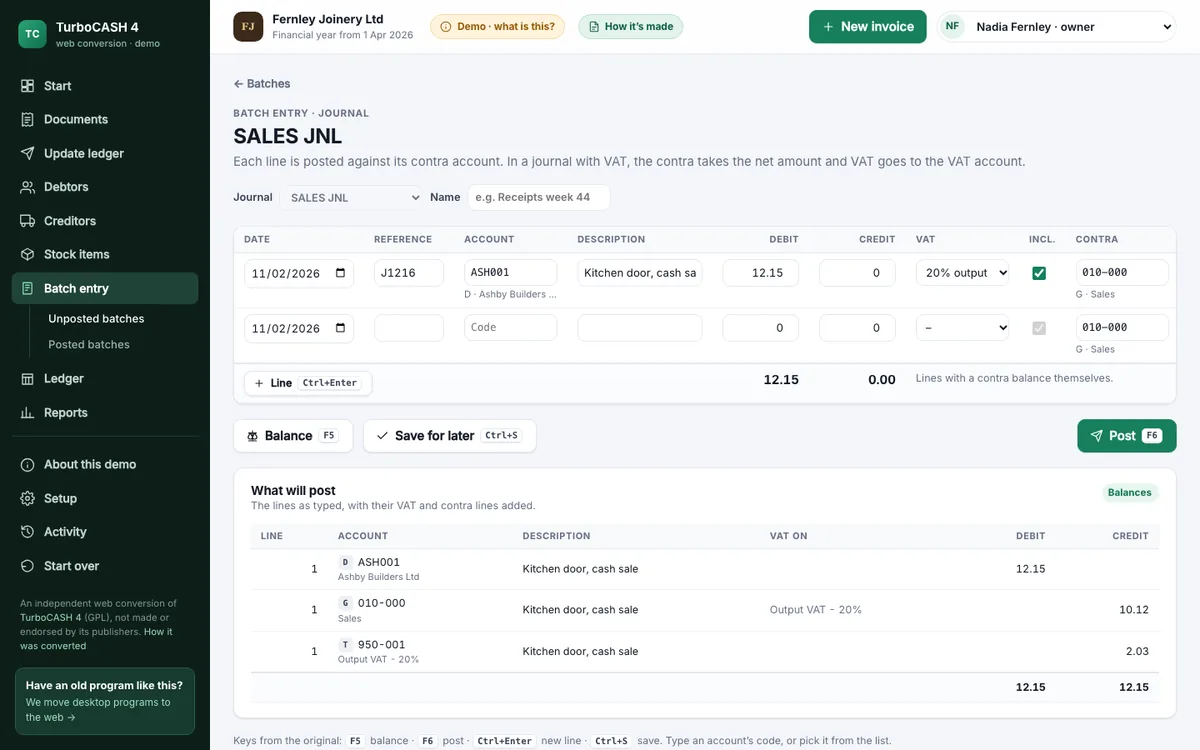
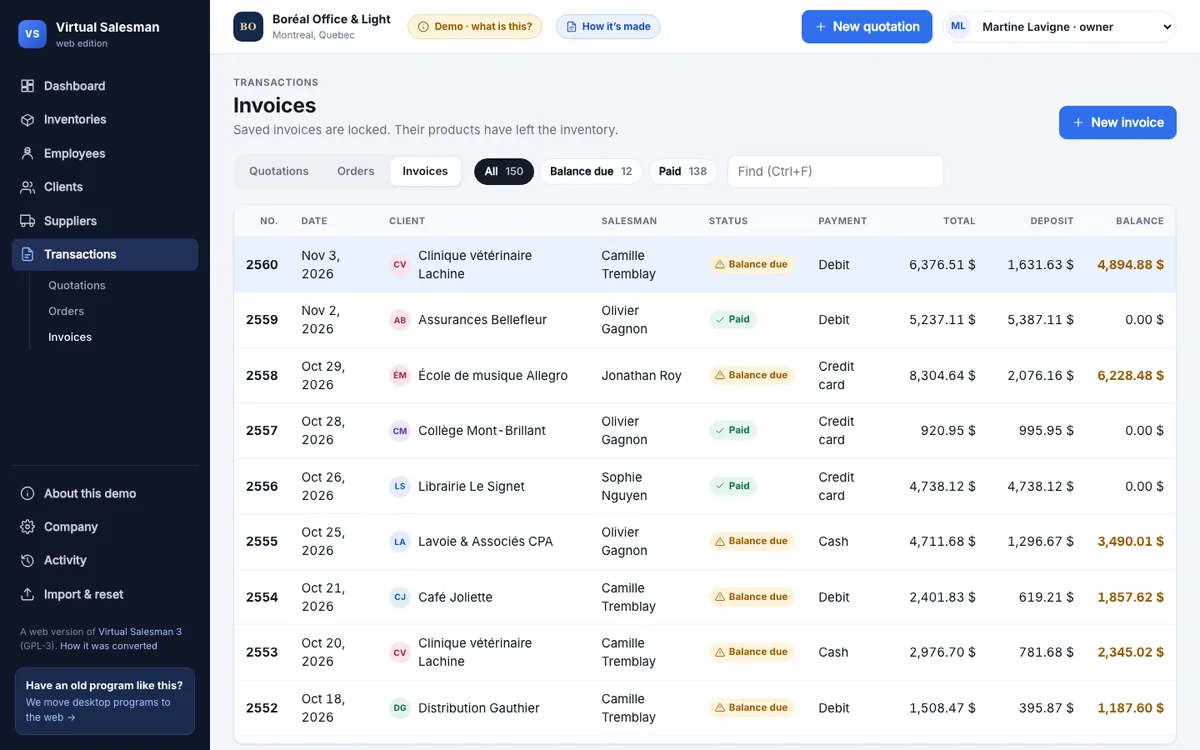
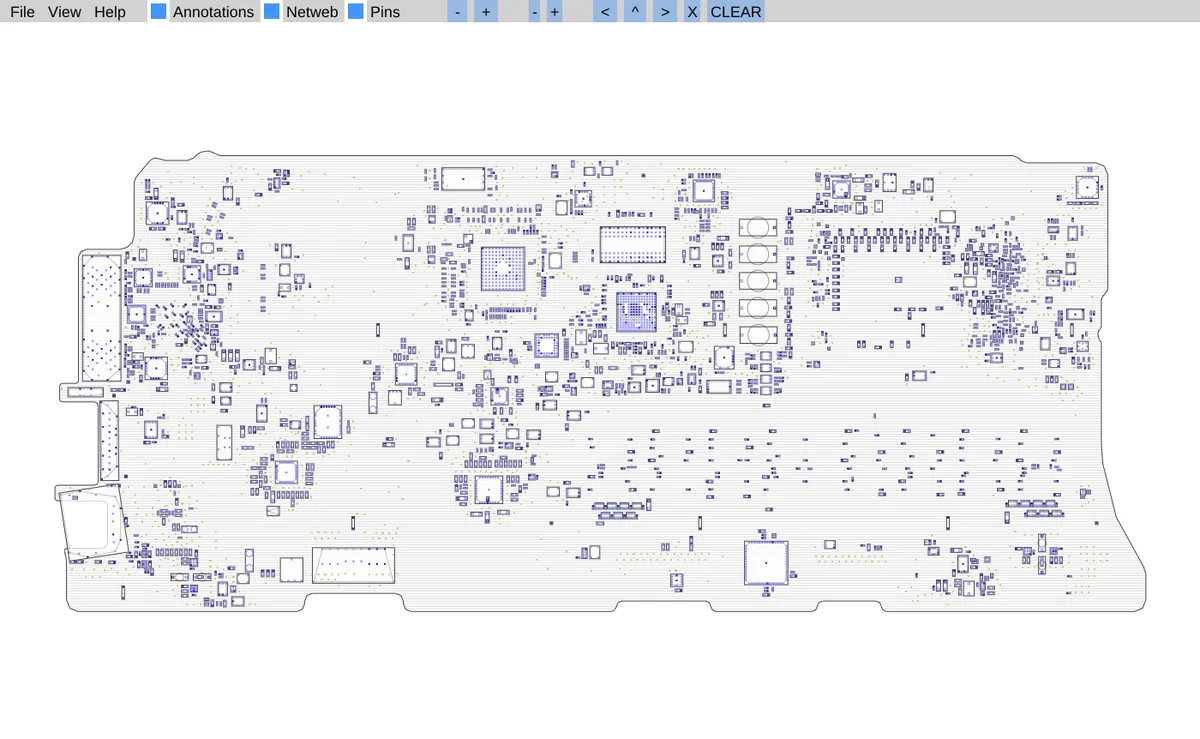
The first is Microsoft's own Northwind sample database, out of Access and into the browser. The others were desktop programs in Delphi and C++; they went the same way.
Running something like these?
The first 30-minute call is free.
The same work, the same screens, in any browser
Everything your business relies on
| Today | In the web version |
|---|---|
| Forms and subforms | Web screens with the same fields and order |
| VBA and macros | Written down, checked by you, built in once |
| Tables and queries | PostgreSQL or SQL Server, records and query results checked |
| Access reports | Print pages and PDFs that look the same |
| Linked tables and Excel imports | Imports that check the data first |
| A shared .accdb or .mdb file | Any browser, with sign-in, user rights and a change log |
Five steps, and you see each one
- A free 30-minute callWhat it does and who uses it.
- A look at the programIts rules and data, listed.
- A written proposalScope, timeline, price range.
- Built in small stepsYou try each part.
- Side by side, then the switchData moved one last time.
Fixed price, in four payments, under our published services agreement. The code is yours once it’s paid for.
The numbers behind them
Northwind Traders
Microsoft Access sample databaseReact, C# and PostgreSQL
830orders from Microsoft's Northwind data, every line
4steps per order: New, Invoiced, Shipped, Closed
14rule tests in C#, matched to the cent in the browser
8reports, printed or saved as PDF
Original by Microsoft (sample data, MIT License); rebuilt independently, not by Microsoft. Read the case study
TurboCASH 4
Delphi and Firebird, Windows, 2018React, C# and PostgreSQL
74accounts read from its own Firebird books
1 in 6VAT-inclusive amounts at 20% a penny over, by its own arithmetic
24tests, a year of demo books included
6findings in the code and books, each fixed or decided
Original by its authors (open source, GPL-2.0 or later); converted independently, not by its publishers. Read the case study
Virtual Salesman 3
Delphi 7, Windows, 2006React, C# and PostgreSQL
11,272lines of Delphi in 35 units and 23 forms
4 of 4sample documents match the old totals to the bit
1scrambled file format recovered from the program itself
1bug fixed that let a new document overwrite a saved one
Original by Marc-André Lamothe (open source, GPL-3). Read the case study
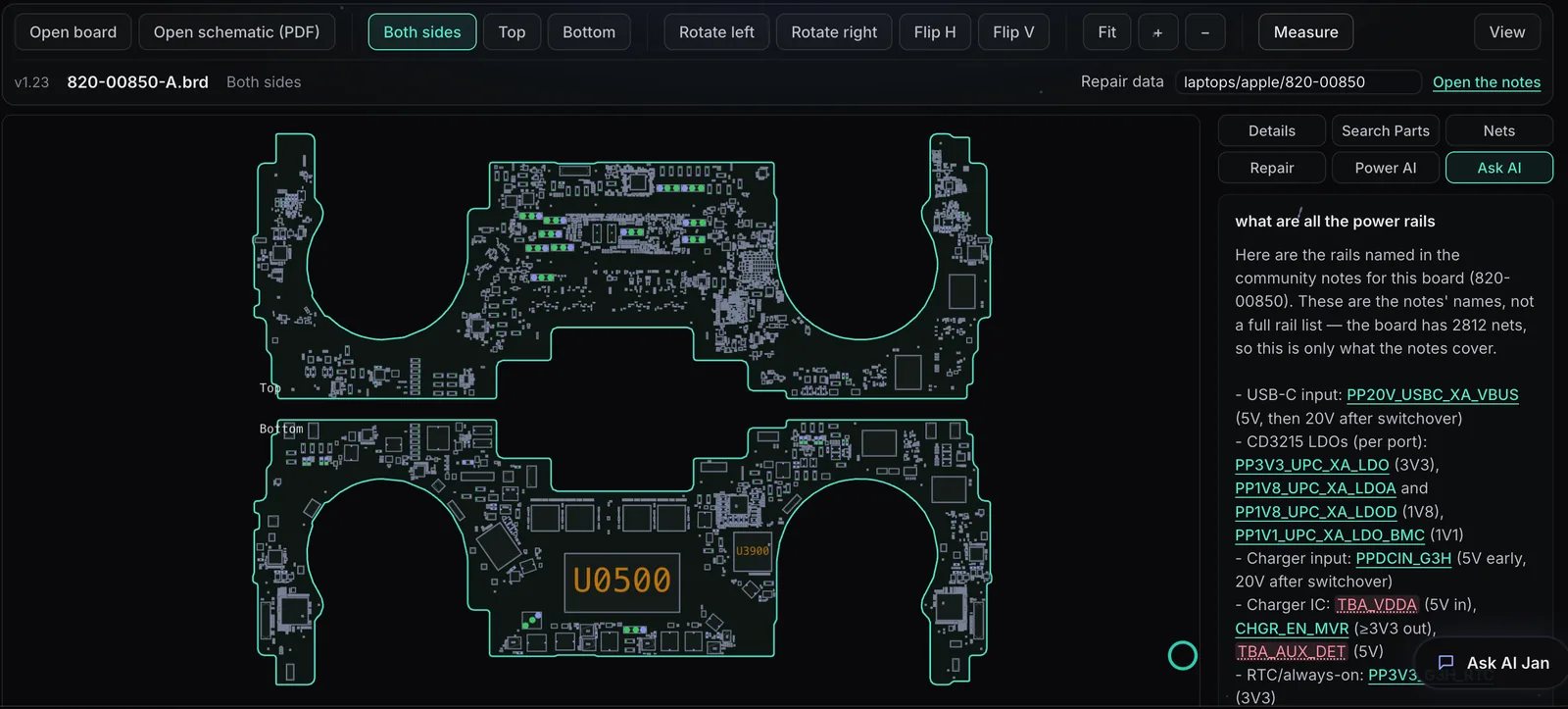
Board Viewer
C++, installed on each computerTypeScript, in the browser
14file readers, 12 ported from the C++
1,145pins matched across two versions of one real board
2,700damaged files refused cleanly, with no crash
38 msto read a real laptop board of 9,388 pins
Original by the OpenBoardView project (open source, MIT); rebuilt independently, not by its authors. Read the case study
Twelve years on one application
I worked with Jan side by side for 12 years while we wrote requirements and had him develop the proprietary application for NRS. We are still improving the application.
You will not find a more diligent developer who sees ways of solving problems that others don't see. At every turn he was able to come up with solutions for a VERY complicated and intricate piece of software that has no match in the retirement plan industry.
Besides being a stellar developer, Jan also understands many aspects of networks from a software and hardware perspective. He's a problem solver and very cool and collected when addressing critical issues. That's exactly what you want when someone is writing code under pressure. Jan is the first person I would go to any time I need to develop any application.
Where conversions get hard, found before the price
Linked data
Excel, SQL Server, other .mdb files
VBA
Code in forms, modules and macros
Reports
Grouping, totals, labels
Who uses it
How many people, from where
Frequently asked questions
What is a web app, and why would we want one?
Your program, opened in a web browser instead of installed on one PC: the same screens, rules and records, used by everyone at once from any computer, tablet or phone, with the data on one server with backups. Our plain-English page explains it: aiwebcenter.com/what-is-a-web-app/
Can several people use it at once?
Yes. A web app doesn't share one file on a drive: everyone works against the same database through the browser, each with their own sign-in.
Can we keep exporting to Excel?
Yes. Lists and reports can download as Excel or CSV, the same way people use them today.
Will our queries give the same results?
That's what we check. Saved queries are rebuilt in the new database and their results compared with Access before you switch.
Can it stay on SQL Server?
Yes, if you already use SQL Server. Otherwise PostgreSQL, which costs nothing to license.
What does it cost?
The first 30-minute call is free. After a first look at the program you get a written proposal with the scope, the approach, a timeline and a price range.
Where does the web version run?
On a server of yours or a cloud server we set up for you. We can also keep running it for you after launch.
Ours is written in something else. Can you move it?
Yes. These pages cover the languages people ask about most, but we move any old program or Windows service: Clipper, COBOL, RPG on IBM i, ColdFusion, old PHP, Perl, Java, Windows services and more. The steps are the same: rules written down, data moved and checked, the same screens in a browser.
Tell us what you’re running
A few lines is enough. I read every message myself and usually reply within one business day.
Email this page to my work addressRather talk? Book a free 30-minute callPick a time in your own time zone. Video or phone.