// blog
What's on a Hospital Scan CD: DICOMDIR, Folders and the Viewer
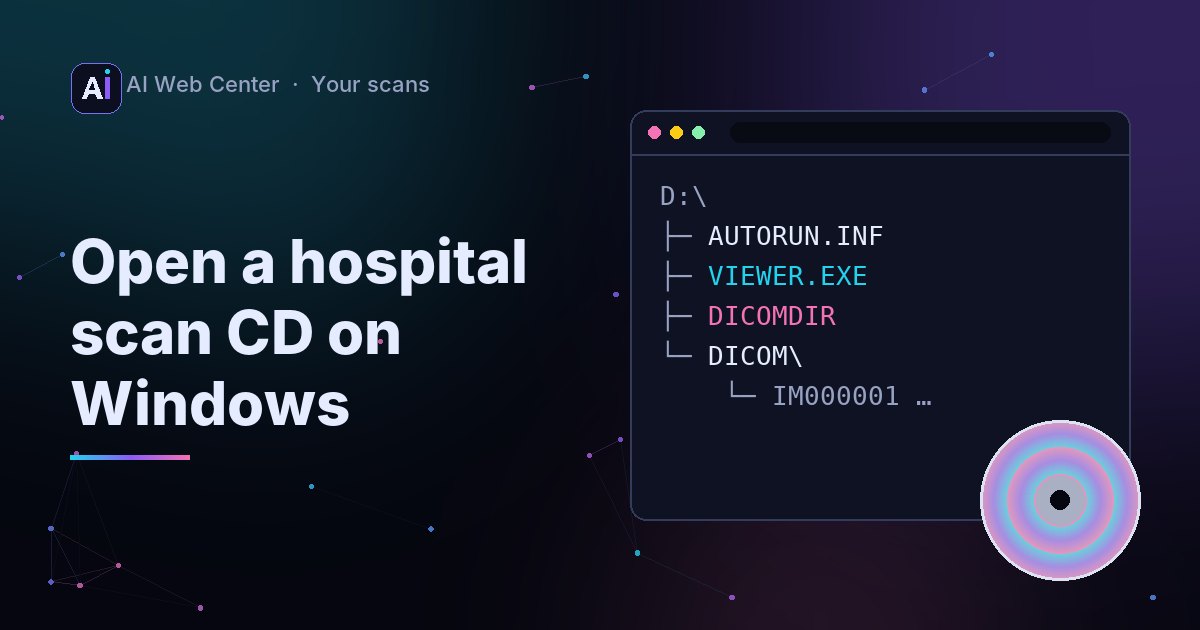
A hospital scan CD normally holds a DICOMDIR file, which is an index of every patient, study, series and image on the disc; folders of DICOM image files with short names (up to eight characters) and no extension; and often a Windows viewer program with an AUTORUN.INF file that starts it. The DICOM standard requires the DICOMDIR and limits file names so any system can read the disc.
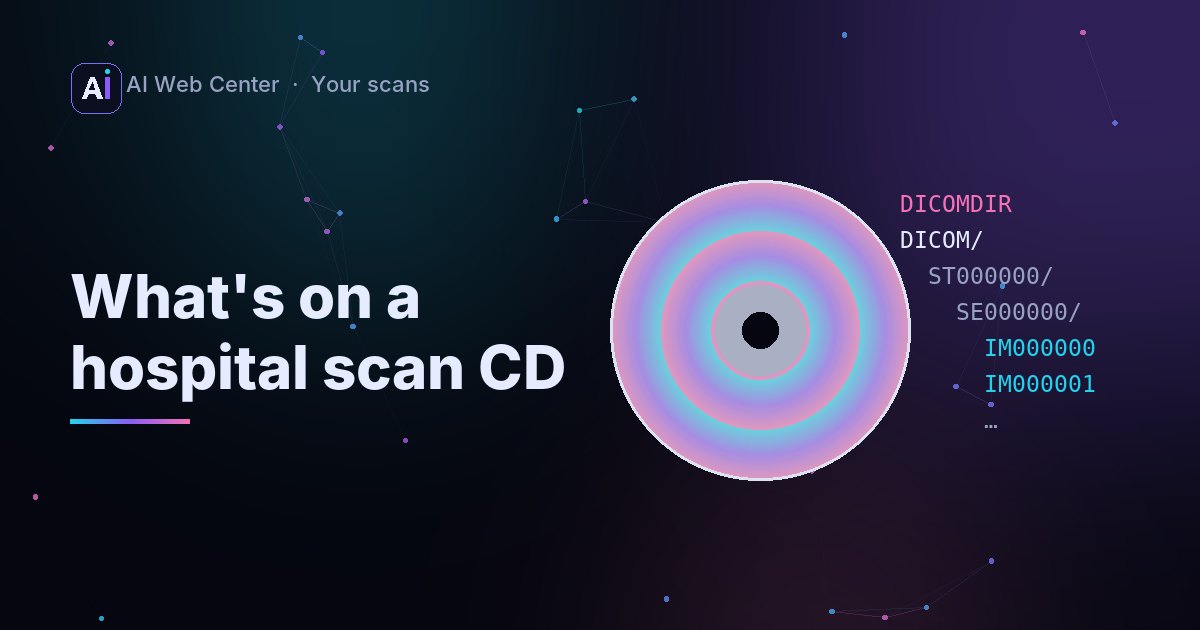
Open a scan CD in your file manager and it looks oddly old-fashioned: capital letters, short names, no extensions. That’s on purpose. The DICOM standard defines how images go on a disc, so a CD burned by one hospital can be read by another’s system.
The parts of a scan CD
A typical disc looks like this:
DICOMDIR
DICOM/
  ST000000/
    SE000000/
      IM000000
      IM000001
      ...
VIEWER.EXE
AUTORUN.INF
Names and folders differ between hospitals, but the pieces are the same.
DICOMDIR: the index
Every DICOM disc must have a file called DICOMDIR at the top. It lists what’s on the disc as a tree:
- Patient → Study (one visit or exam) → Series (one set of images, such as one reconstruction) → Image (one file).
Each image record points to its file. A viewer or a hospital system reads the DICOMDIR to show the whole disc at once, without opening every file first.
You can read it yourself with the free OFFIS DICOM Toolkit (DCMTK):
dcmdump DICOMDIR
Look for DirectoryRecordType (PATIENT, STUDY, SERIES, IMAGE) and ReferencedFileID, the path to each file, written with backslashes, like DICOM\ST000000\SE000000\IM000000.
The image files
The standard keeps paths simple: each part of a file’s name is at most eight characters, there are at most eight levels of folders, and there’s no extension. So IM000001 is a complete DICOM file, not a broken one.
One file is usually one image (one CT slice), though some files hold a whole clip, like an ultrasound loop.
The viewer and AUTORUN.INF
Most discs also carry a viewer program so you can look without installing anything. It’s nearly always a Windows program, and AUTORUN.INF tells Windows which file to start. That’s why the disc seems to “work” on Windows and not on a Mac. See how to open a scan CD on a Mac and on Windows.
Sometimes it’s a ZIP
Many discs, and nearly every download from a patient portal, hold the images as a ZIP file instead of loose folders. Inside is the same structure: a DICOMDIR, the folders and the image files. Our viewer opens the ZIP itself; there’s no need to unzip it first.
Opening the whole disc
Copy the disc to a folder, then open the folder (or the ZIP) in a DICOM viewer. Our browser viewer reads the image files, skips the DICOMDIR and the viewer program, and shows the largest series first. Nothing is uploaded.
Key takeaways
DICOMDIRis the disc’s index: patient, study, series, image.- File names are short and have no extension by design.
- The viewer on the disc is a convenience, usually Windows-only; the images don’t need it.
- Many discs and downloads hold all this inside one ZIP, which opens directly in the viewer.
dcmdump DICOMDIRshows what’s on a disc.
Open a copied scan CD in the browser →
Run a practice or an imaging center? We’re glad to share what we know. When you want a portal that makes all of this easy for your patients, we’ll build it for you, and because we work with AI-assisted development, it costs far less than you might expect. Let’s talk.
Frequently asked questions
Can I delete the viewer program and keep only the images?
On your own copy, yes: the images don't depend on it. Keep the DICOMDIR too, since some viewers and hospital systems use it to import the disc.
Why are the file names so cryptic?
The DICOM standard limits each part of a file's path to eight characters and uses no extensions, so the disc can be read by any system, including old ones. The real information is inside the files and in the DICOMDIR.
The CD has several folders. Which one is my scan?
Each series (for example, the same CT reconstructed for soft tissue and for the lungs) usually gets its own folder. Open the whole disc in a viewer and it will list the series.