// blog
How to Open a .dcm File (and DICOM Files Without an Extension)
A .dcm file is a DICOM file: a medical image plus details about the scan. Ordinary photo apps can’t open it, so double-clicking does nothing. Open it in a DICOM viewer instead, such as one that runs in your browser, or a free desktop viewer. Files from a scan CD often have no extension at all and are still DICOM. To get an ordinary picture, convert it with the free OFFIS DICOM Toolkit (dcm2img).
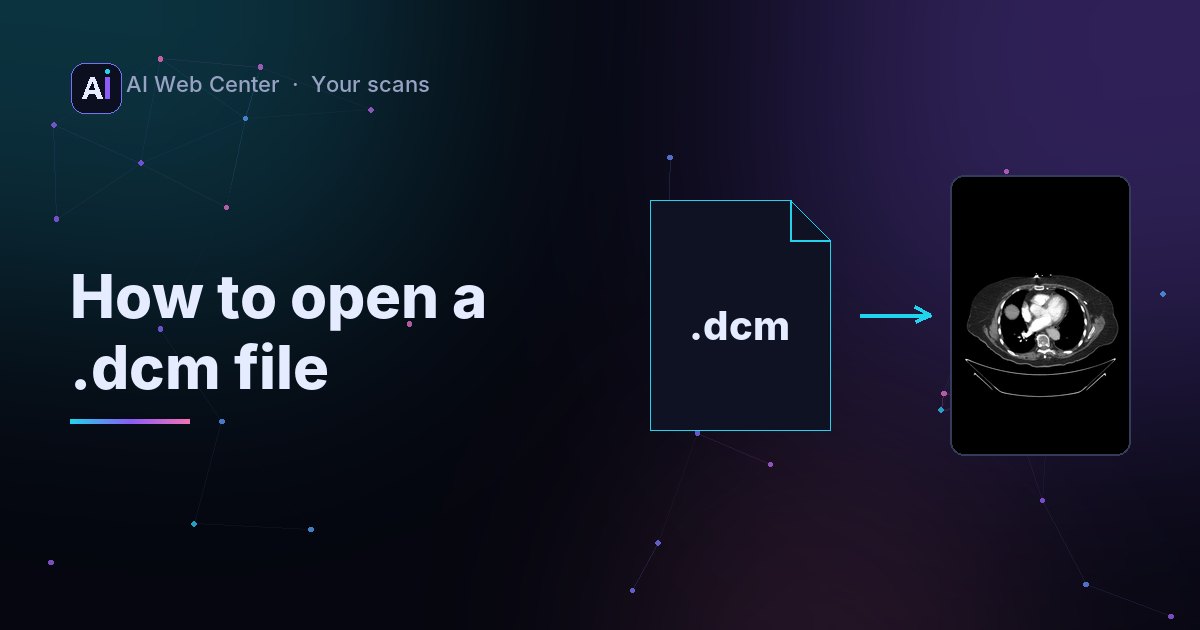
You’ve been sent a file called scan.dcm, or downloaded one from a patient portal. Double-click it and nothing happens, or your computer asks which app to use. That’s normal: a .dcm file is a medical image, and photo apps don’t speak its format.
What a .dcm file is
.dcm means DICOM, the format every CT scanner, MRI machine, X-ray system and hospital archive uses. A DICOM file holds:
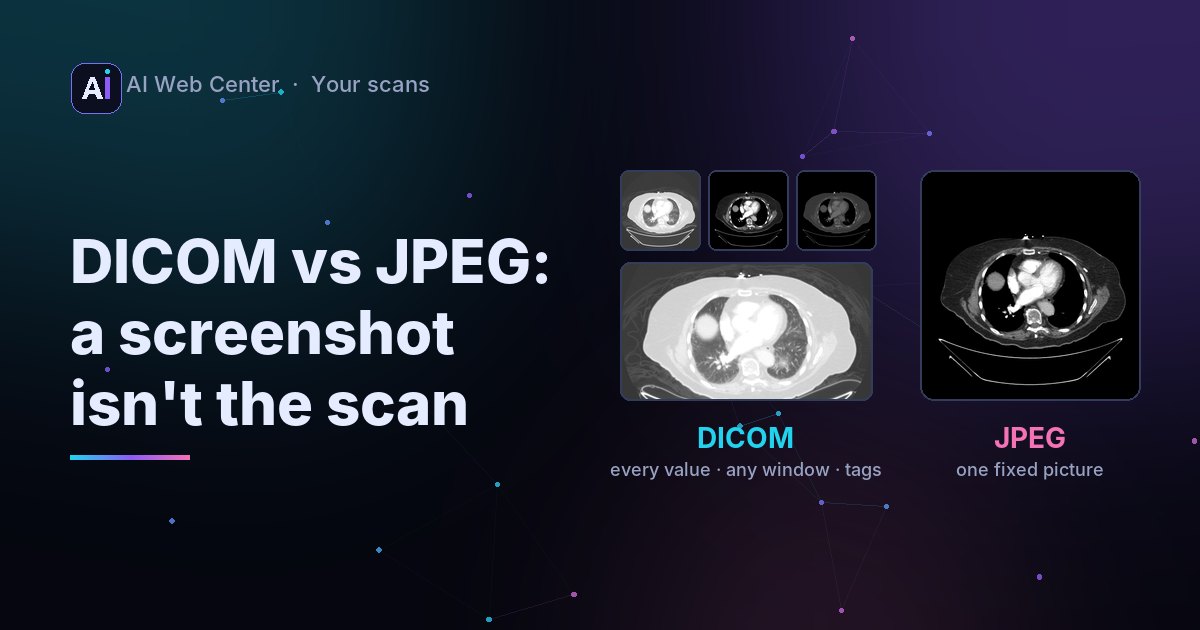
- The image, often with far more shades of gray than a normal picture: thousands instead of 256.
- Details about it: who was scanned, when, on which machine, the size of each pixel in millimeters, and how to display it. Our chest CT sample carries 103 of these elements.
One file is usually one image. A CT or MRI is a series of hundreds of files, one per slice.
Open it in your browser
- Open our free DICOM viewer.
- Click Open files and choose the file, several files from the same scan, or the ZIP they came in.
- Scroll through the images, change the contrast, zoom and measure. Scroll down to see every tag in the file.
It works on Windows, Mac, Linux and iPhone, and the file is read in your browser, never uploaded.
DICOM files without an extension
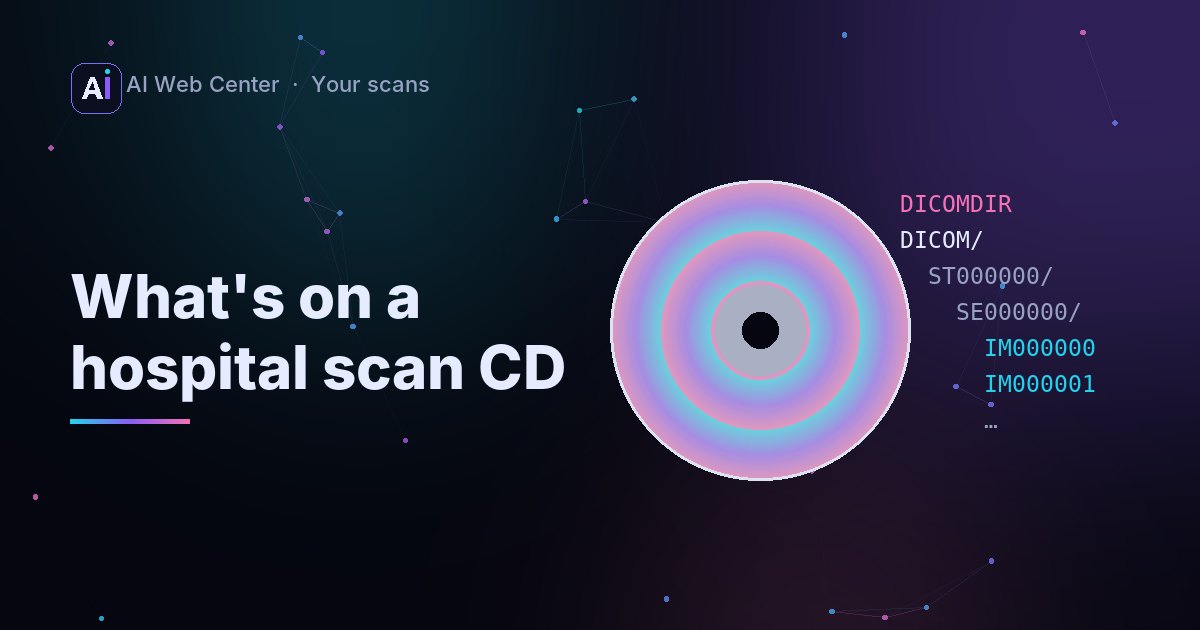
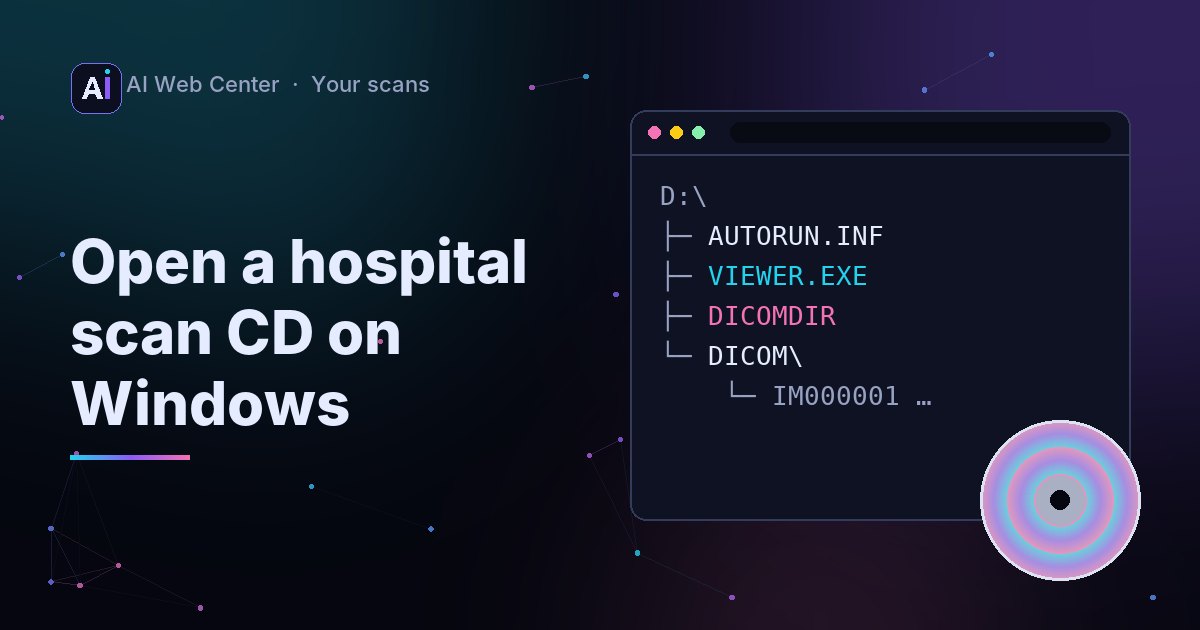
Files from a scan CD are often named IM000001, 00000023 or a long string of numbers and dots, with no .dcm at all. They’re DICOM too: the CD format doesn’t use extensions.
To check a file: a DICOM file normally has the letters DICM at byte 128, right after an empty 128-byte preamble. Viewers look for that, so you can simply try opening the file.
Turn it into a PNG
For a slide or an email you may want an ordinary picture. The free, open-source OFFIS DICOM Toolkit (DCMTK) converts one in a single command:
dcm2img +on scan.dcm scan.png
For a CT, choose the contrast with a window (center and width, in Hounsfield units):
dcm2img +oj +Ww 40 400 scan.dcm scan.jpg
Keep the DICOM file, though: the picture is a single fixed view, and it drops the measurements and every detail about the scan. What’s inside a DICOM file shows what you’d lose.
If it still won’t open
Some files use compression that browsers can’t decode, such as JPEG lossless or JPEG-LS. Our viewer then shows the tags and the free command that converts the file. Why a DICOM file won’t open explains the formats.
Key takeaways
.dcmis DICOM: an image plus the details of the scan.- Open it in a DICOM viewer; photo apps can’t.
- Files with no extension from a scan CD are DICOM too.
dcm2imgfrom DCMTK turns one into a PNG or JPEG when you need a picture.
Open a .dcm file in the browser →
Run a practice or an imaging center? We’re glad to share what we know. When you want a portal that makes all of this easy for your patients, we’ll build it for you, and because we work with AI-assisted development, it costs far less than you might expect. Let’s talk.
Frequently asked questions
Can I open a .dcm file in Photoshop or Preview?
Usually not reliably. DICOM holds more gray levels than a normal picture and needs a window to be shown properly, plus the file often uses DICOM-specific encoding. Use a DICOM viewer, or convert the file to PNG first.
My files are called IM000001 or 1.2.840... with no extension. Are they DICOM?
Probably. DICOM files on CDs have short names without an extension, and other systems name files after their unique ID. A DICOM viewer will open them; a quick check is the letters DICM at byte 128 of the file.
Is it safe to open my scan in an online viewer?
Only if the viewer reads the file in your browser rather than uploading it. Ours does, and says so on the page; check any other site's privacy notice before you open a scan of yourself there.