// blog
Open DICOM Files With Video Inside (MPEG-2, H.264, HEVC) in Your Browser
Some DICOM files hold a video instead of separate images: MPEG-2 (transfer syntaxes 1.2.840.10008.1.2.4.100 and .101), H.264 (.102 to .106) or HEVC (.107 and .108), common from endoscopy and some ultrasound machines. Our free DICOM viewer opens them in the browser at any length: the video stays compressed and frames are decoded as you play or step through them. H.264 and HEVC are decoded by the browser, MPEG-2 by our own decoder. Firefox doesn’t decode HEVC frame by frame yet. Nothing is uploaded.
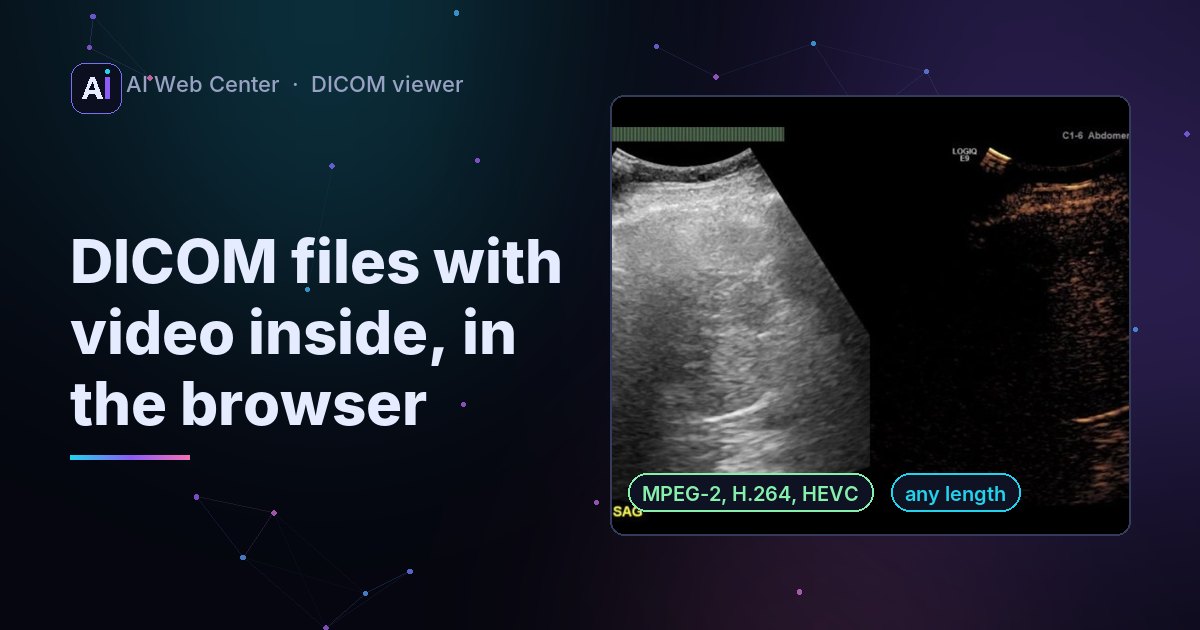
Most DICOM clips are a stack of pictures, one per frame. Some aren’t. Endoscopy towers and some ultrasound machines store the clip as a video inside the DICOM file: MPEG-2, H.264 or HEVC, the same codecs as a TV broadcast or a phone video. Many viewers, and most web viewers, show a blank screen for those.
Our free DICOM viewer now plays them.
Which files these are
The file’s transfer syntax says it:
| Video | Transfer syntax UIDs |
|---|---|
| MPEG-2 | 1.2.840.10008.1.2.4.100, .101 (and .100.1, .101.1) |
| H.264 | 1.2.840.10008.1.2.4.102 to .106 (and their .1 forms) |
| HEVC (H.265) | 1.2.840.10008.1.2.4.107, .108 |
The video can sit in the file bare, or in a transport stream, a program stream or an MP4. The viewer reads all four.
How it plays
- H.264 and HEVC are decoded by the browser itself (WebCodecs).
- MPEG-2 isn’t played by any browser, so we wrote a decoder for it. We checked it against FFmpeg on still, predicted and bidirectional pictures, interlaced coding and odd sizes: every pixel within 2 of 255.
- Long videos stay compressed. Frames are decoded as you play or step to them, so a 36-second HD clip opens in under a second.
- Every frame in its place. Videos store some frames out of the order they’re shown; the viewer puts them back, in every browser.
Where it doesn’t work yet
- Firefox and HEVC. Firefox can play HEVC in its own video player, but its frame-by-frame decoder doesn’t take it yet. The viewer says so; use Chrome, Edge or Safari.
- Speed. Playing HD video this way reaches about 25 frames a second in Firefox and Safari and about 18 in Chrome and Edge on a MacBook Air. Short videos are unpacked at once and play at full speed.
- MPEG-1 isn’t read.
Then outline it
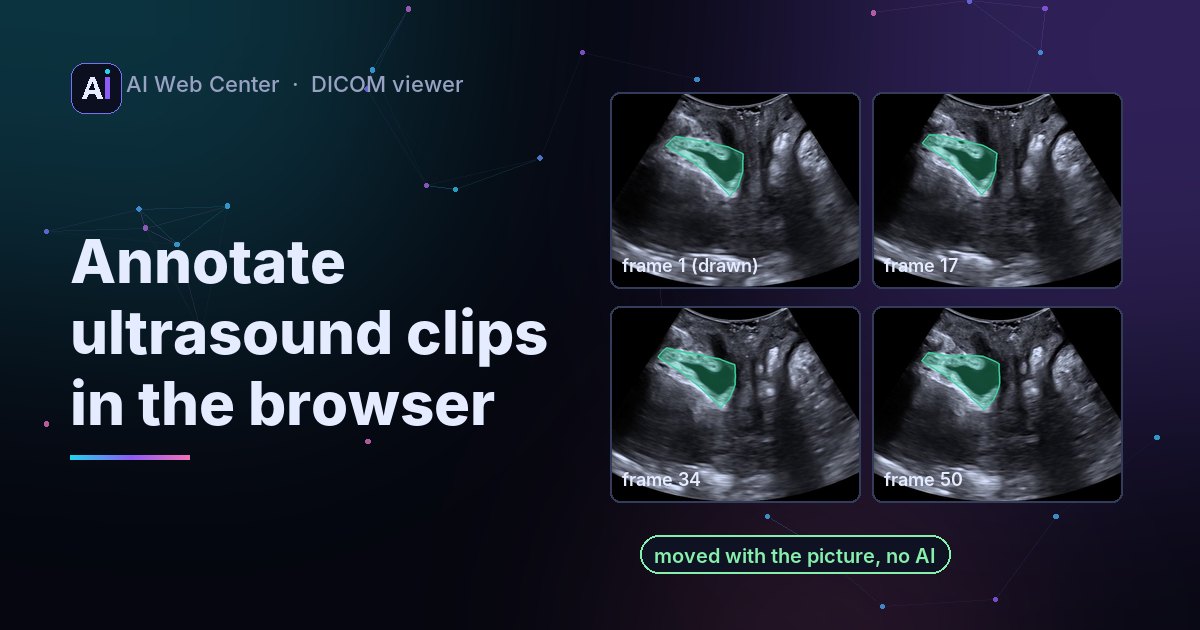
On ultrasound, the same clip can be outlined and followed frame by frame: annotate ultrasound clips in the browser.
Private, and only a viewer
The file is read and decoded in your browser; nothing is uploaded. It’s a technology demonstration, not a medical device.
Frequently asked questions
How do I know my DICOM file holds a video?
Its transfer syntax, in the file's header (0002,0010), is one of 1.2.840.10008.1.2.4.100 to .108. Our viewer's side panel shows it as MPEG-2 video, H.264 video or HEVC video.
Why does a long video open so fast?
It isn't unpacked at once. The video stays compressed in memory and frames are decoded as you play or step to them, going on from where the decoder is while it plays.
Does it work in every browser?
MPEG-2 and H.264 open in current Chrome, Edge, Firefox and Safari. HEVC opens in Chrome and Edge where the computer's hardware reads it, and in Safari; Firefox doesn't decode HEVC frame by frame yet.
Is the video uploaded?
No. The file is read and decoded in your browser.