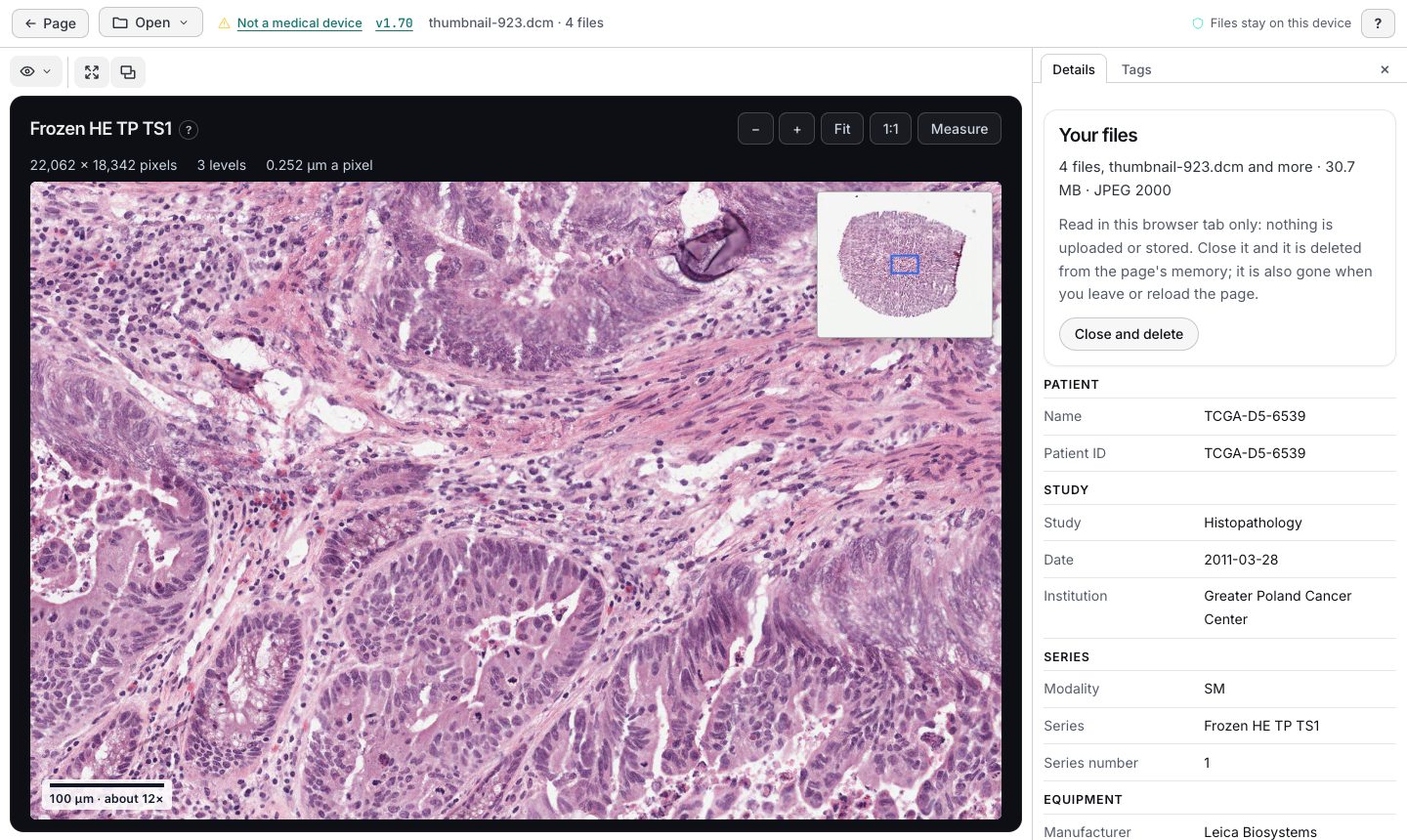
A slide is several files: one per size, plus a thumbnail and its label. Open them all at once, their folder, or a ZIP. Only the tiles on screen are read, so a large slide opens in seconds.
Move and zoom
Like a map.
Drag to move; the wheel or two fingers zoom where you point.
Double-click zooms in there.
+ and − zoom; Fit shows the whole slide; 1:1 one slide pixel per screen pixel.
Click the overview in the corner to go to that place.
Scale and measure
The scale bar shows micrometres, and the zoom as a microscope objective (about 40× at 0.25 µm a pixel).
Measure, then drag a line for its length in µm or mm.
Clear removes it.
The slide's label
Shown only when you ask, as it can carry names.
Show the label.
Turn rotates it, as labels are often photographed sideways.
The viewer is a technology demonstration for teaching and research, not a medical device. It reads nothing into an image itself. · What's new