DICOM viewer help
Getting started
Open your files, a folder, a ZIP or a sample. Nothing is uploaded.
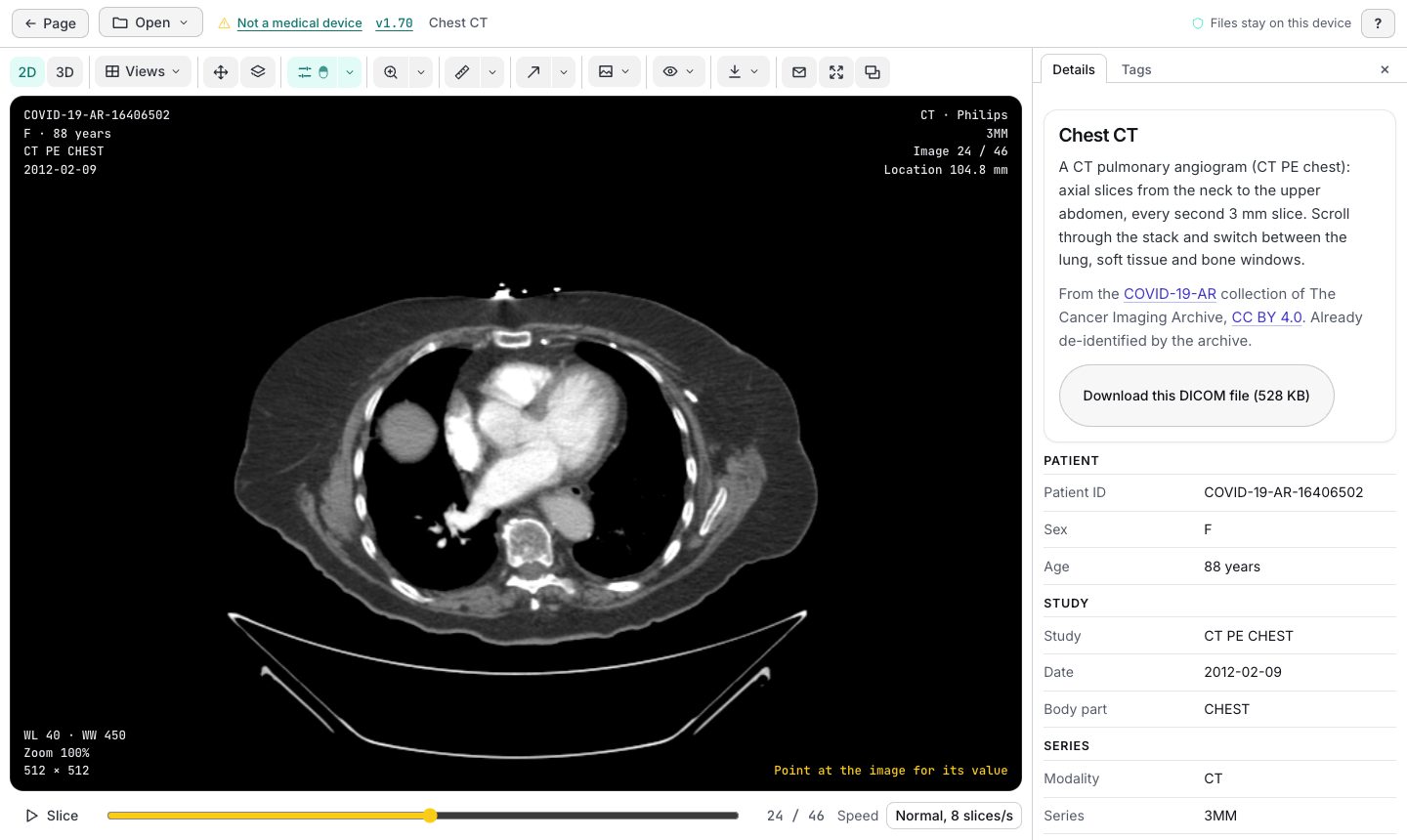
Open your files
Your files are read in this browser tab and never uploaded.
- Press Open, then Open files or Open a folder.
- Or drop files, a folder or a ZIP on the viewer.
- A CD's DICOM folder works too: open the folder.
Try a sample
The strip of samples under Open has one study of each kind: CT, MRI, X-ray, ultrasound, mammograms, a pathology slide, an ECG, endoscopy and skin.
- Click a sample card.
- Scroll the strip sideways for more.
The panel
Beside the image, in tabs: Details, Tags, and the tabs a study needs (Series, Report, Segmentation, Ultrasound, Teach and more).
- Panel on the toolbar shows or hides it.
- Float the panel puts it over the image; drag its tabs to move it, its corner to resize it.
Every DICOM tag
The Tags tab lists every element of the file on screen, grouped, with sequences folded.
- Type in Search for a name, tag or value.
- Own window opens the table in a window of its own.
Your files stay with you
Nothing is uploaded or stored. Close and delete (in the panel) clears it from the page's memory; leaving or reloading the page does too.
- Hide patient (View menu) masks the name, ID and birth date everywhere, for screenshots and teaching.
- The viewer is a technology demonstration, not a medical device.
On a phone or tablet
The viewer works with fingers: one finger moves, two fingers zoom. Very large studies may need a computer, and the viewer says so before it opens them.
Ask the AI
A question about the viewer, a DICOM term or a file that won't open, answered by AI from this help.
- Press ? in the top bar.
- Open Ask the AI at the bottom, type your question and press Ask.
- It sees your question and the message on screen, never your images or files. Leave patient details out.
- It explains the viewer and DICOM. It doesn't read scans or give medical advice.
The viewer is a technology demonstration for teaching and research, not a medical device. It reads nothing into an image itself. · What's new